The best alarm app for iPhone depends on how your mornings go wrong. Heavy sleepers and snoozers: Weky or Alarmy, which make you complete a mission before the alarm stops. Groggy but awake: Sleep Cycle's smart alarm. Tired all day: RISE. Shared reminders: Galarm. Just need it to ring: Apple's free Clock app. Below are our top picks, a comparison table, and the questions to ask before you pay a subscription for any of them.
Apple's Clock app — the default alarm clock for iPhone — is free, reliable and ad-free, and for a lot of people it's genuinely all they need. Alarm apps earn their place by solving a specific problem the Clock app doesn't: you snooze, you sleep through it, you wake up groggy, or you want to understand your sleep. So start with the problem.
Key takeaways
- Pick by problem, not by ratings. A great smart alarm is useless for a heavy sleeper, and vice versa.
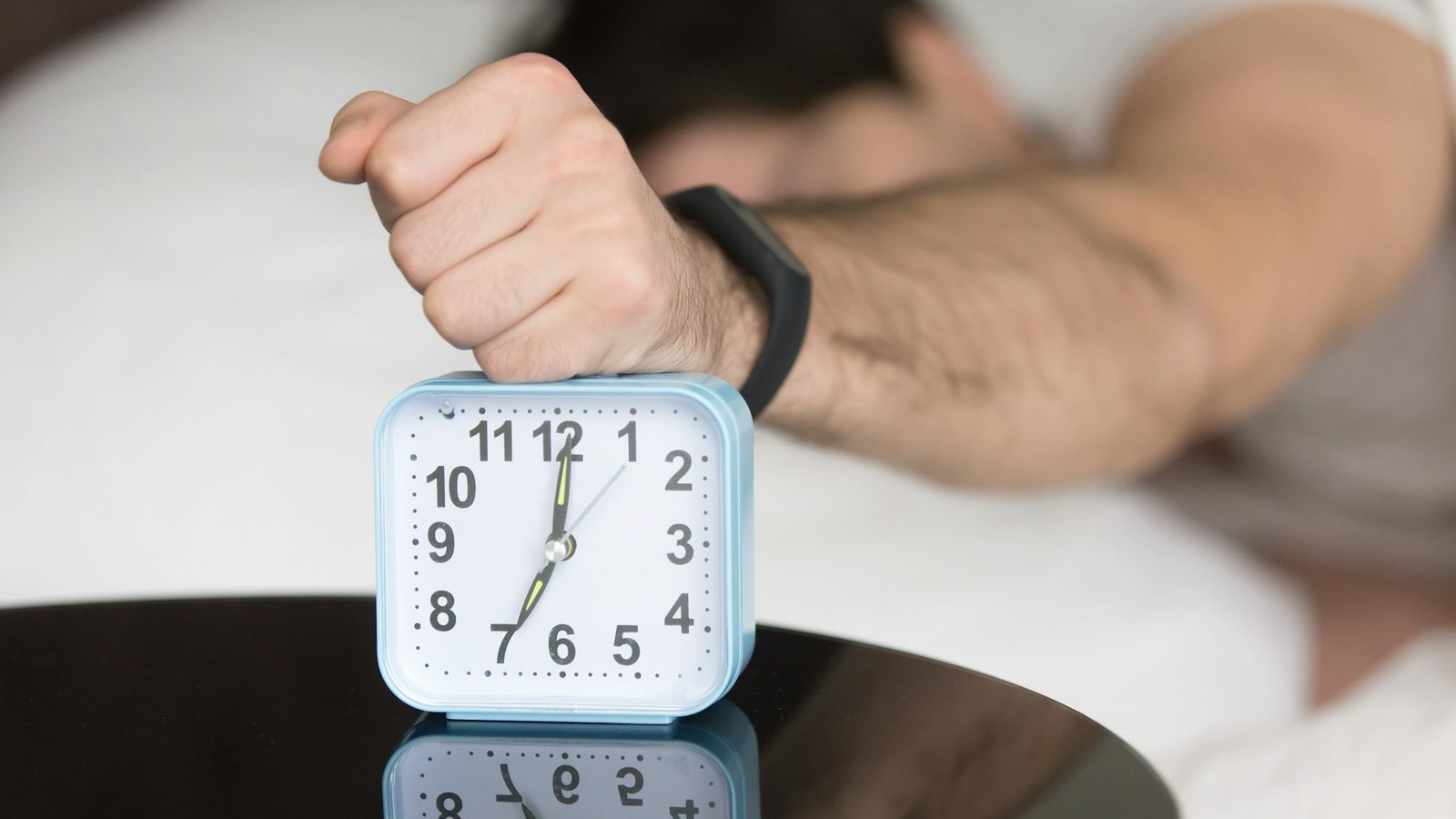
- For oversleeping, missions beat volume. Weky and Alarmy make you prove you're awake.
- For grogginess, timing helps. Sleep Cycle wakes you in light sleep.
- On iOS 26, good apps ring like the Clock app — on the lock screen, through Silent, even if the app is closed.
- Check the subscription before you set alarms: most apps keep the useful features behind a paywall or ads.
The best alarm clock apps for iPhone at a glance: missions, snooze, ads and subscription
| App | Best for | Missions | Snooze | Sleep tracking | Ads | iPad |
|---|---|---|---|---|---|---|
| Weky | Heavy sleepers, snoozers, phone-in-bed | 10, stackable | None | Apple Health | None | ✓ |
| Alarmy | Heavy sleepers on a budget | ~9 | Configurable | ✓ | Free tier | ✓ |
| Sleep Cycle | Gentle wake-ups, sleep data | – | Yes | ✓ | None | ✓ |
| RISE | Daytime energy, sleep debt | – | Smart alarm | ✓ | None | ✓ |
| Mathe Alarm Clock | Math-only wake-ups | Math | Optional | – | Yes | ✓ |
| Galarm | Shared alarms and reminders | – | Yes | – | Free + premium | – |
| Alarm Clock for Me | A bedside clock with music | Math, shake | Yes | – | Free tier | ✓ |
| iPhone Clock | People who get up on the first ring | – | Optional | Sleep schedule | None | ✓ |
1. Best for heavy sleepers and snoozers: Weky
We make Weky, so weigh this pick accordingly — the table above uses the same criteria for every app. Weky is built for people who want every morning to start on time — and for anyone who turns the alarm off and wakes up two hours later.
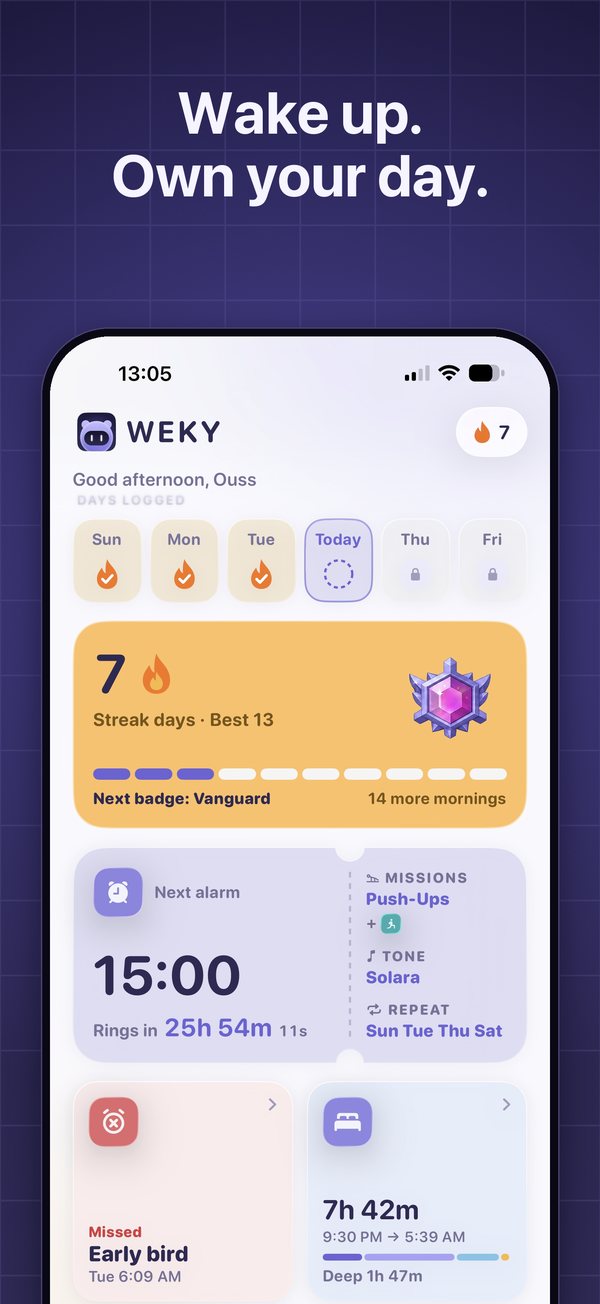
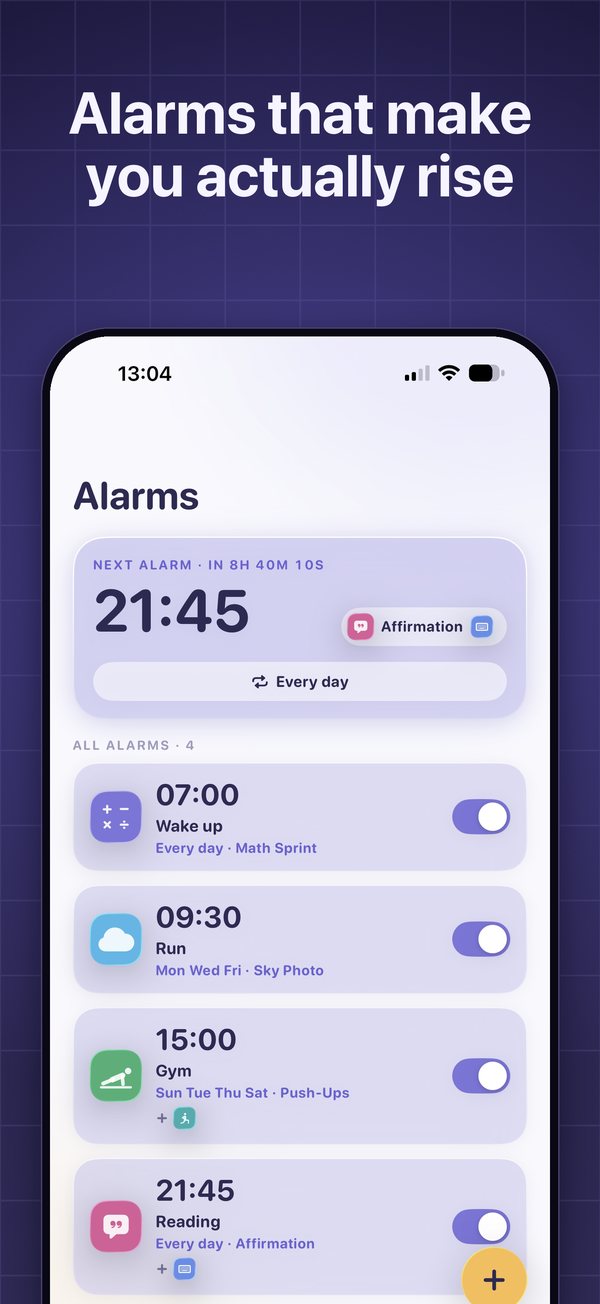
The alarm only stops after a wake-up mission. There are ten — Math Sprint, a typing challenge, push-ups and squats counted on camera, an object hunt, a photo of the sky, a photo of your made bed, a barcode scan, shaking the phone, and an affirmation said out loud — and you can stack several on one alarm. There's no snooze. A wake-up check rings again about ten minutes later. Weky schedules a real system alarm on iOS 26, so it rings on the lock screen even if you force-quit the app.
Two things no other alarm on this list does: app blocking — the apps you scroll at night stay locked from a time you choose until your morning mission is done — and a habit tracker with a 90-day calendar per habit and a streak that resets if you miss a morning. It runs on iPhone and iPad, in 32 languages, with no ads.
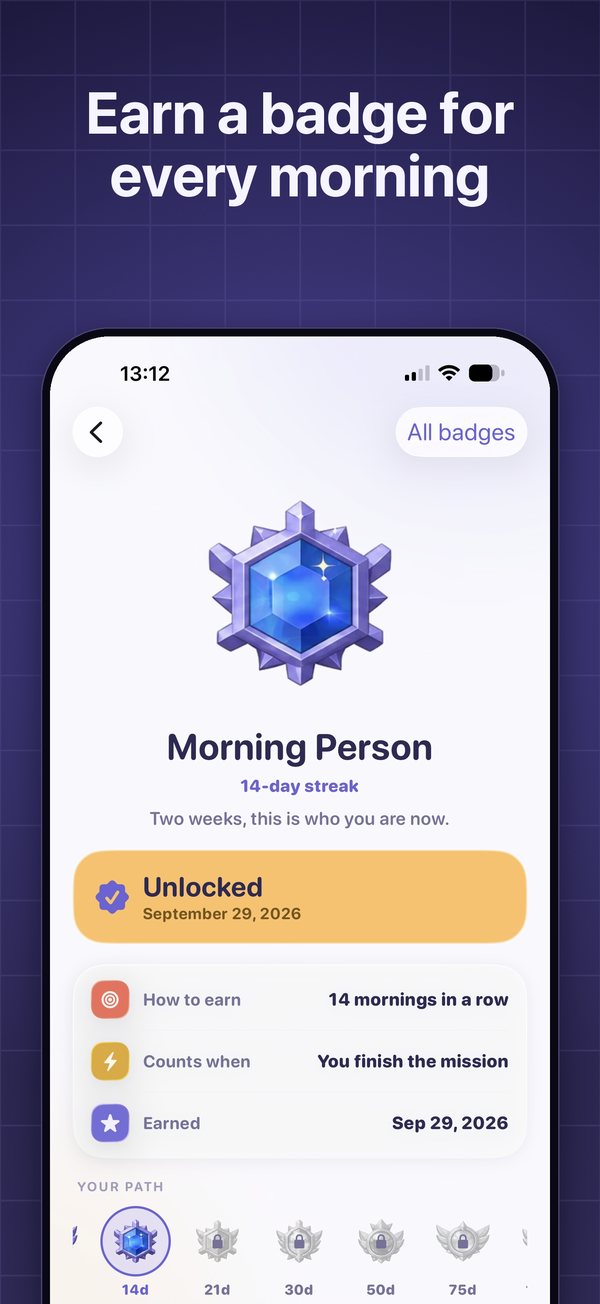
Price: free to download; alarms need Weky Pro — $2.99/month, $19.99/year with a 7-day free trial, or $39.99 once.
2. Best free tier for a mission alarm clock app: Alarmy
The best-known mission alarm, with photo, math, shake, squats, memory, typing and barcode missions, loud and gentle sound modes, and sleep tracking with snore detection. The free tier is generous but has ads; the wake-up check is premium. If you want a good alarm without paying and don't mind ads, start here. If ads or missing features are the problem, see our Alarmy alternatives.
3. Best smart alarm: Sleep Cycle
Sleep Cycle tracks your sleep with sound or motion and wakes you in your lightest sleep phase within a window you set. It has excellent sleep trends and snore detection. It's ideal if you wake up but feel groggy — less so if you snooze. Full breakdown in Weky vs Sleep Cycle.
4. Best for daytime energy: RISE
RISE turns your sleep data into a sleep debt number and an energy schedule for the day, syncing with Apple Health and wearables. It has a smart alarm and habit reminders. Choose it if you're up on time but tired all afternoon.
5. Best math-only alarm: Mathe Alarm Clock
A long-running, math-first alarm: multiple-choice questions that keep coming until you get them right, plus a bedtime reminder and morning checklist. Ads can be removed with a one-time purchase. See our guide to math alarm clock apps.
6. Best for shared reminders: Galarm
Group alarms, alarms for a buddy, and flexible repeats make Galarm a planning tool more than a wake-up tool. Great for families and teams; it has no missions.
7. Best bedside clock: Alarm Clock for Me
Music alarms, a sleep timer, weather and a nightstand clock, with math or shake to dismiss. The free version has ads and large snooze buttons.
8. Best free alarm clock: the iPhone Clock app
The Apple alarm is free, with no ads; it rings through Silent and Focus at full volume, lets you set the snooze duration, and sits next to the world clock, stopwatch and timer, with a sleep schedule in the Health app. It's the best free alarm for most people and a good choice as a backup alarm. If you get up on the first alarm, keep it. If you don't, the one-tap stop button is exactly what's failing you.
Do third-party alarm apps work on Silent or in Focus?
Weky rings every time, under any condition: Silent mode, Sleep, Work or any other Focus, a force-quit app or a restarted phone. It schedules a real system alarm, so it never needs to run in the background and doesn't drain your battery overnight.
This used to be the big weakness of iPhone alarm apps: without a way to schedule a true system alarm, many relied on notifications or keeping the app open, and could go quiet on Silent or if you closed the app. Since iOS 26, apps can schedule real system alarms that behave like the Clock app's. Weky does, so it rings on the lock screen, through Silent mode, even after you force-quit it.
Before trusting any alarm app with a flight or an exam, test it: set an alarm two minutes ahead, flip the ring switch to Silent, turn on a Focus, close the app, and lock the phone.
What is the best alarm sound to wake up to in the morning?
Research on waking sounds found that melodic, rhythmic alarm tones were associated with less reported grogginess than harsh beeps. A loud alarm isn't automatically better. Pick alarm sounds that are clear rather than shrill — a song from an Apple Music playlist works in the Clock app — and change it every few weeks so your brain doesn't tune it out. You'll feel less groggy. But no ringtone fixes the real problem for heavy sleepers — switching the alarm off half-asleep. That's what missions are for.
How to choose the right alarm clock for iPhone (privacy, price and ratings)
Look past the star rating: read recent ratings and reviews and the version history to see if the app is still maintained, check the App Privacy section for what data the developer collects, and check what's usable without paying.
- You snooze or switch it off: a mission alarm with no snooze and a wake-up check. See how to stop hitting snooze.
- You don't hear it at all: read why you sleep through your alarm, then a mission alarm.
- You wake groggy: a smart alarm, more sleep, morning light.
- You scroll until 1 a.m.: app blocking from bedtime. See how to stop scrolling at night.
- You just want it to ring: the Clock app.
For the heavy-sleeper deep dive, see the best alarm apps for heavy sleepers.
Frequently asked questions
What is the best alarm app for iPhone?
It depends on your mornings. For heavy sleepers and snoozers, Weky (missions, wake-up check, app blocking, no ads) or Alarmy (missions, free tier with ads). For gentle wake-ups and sleep tracking, Sleep Cycle. For daytime energy and sleep debt, RISE. If you get up on the first ring, the free iPhone Clock app is enough.
What is the best alarm app for iPad?
Weky, Alarmy, Sleep Cycle and RISE all run on iPad. The built-in Clock app also has alarms on iPad. Kiwake and Galarm are iPhone-only.
Do third-party iPhone alarm apps work on Silent or in Focus?
On iOS 26 and later, third-party apps can schedule real system alarms that ring like the Clock app, on the lock screen and through Silent mode. Weky uses this, so it rings even if you force-quit the app. Older apps that rely on notifications may stay quiet on Silent — test with the ring switch off.
What is scientifically the best alarm to wake up to?
Research on waking sounds suggests melodic, rhythmic alarm tones are associated with less grogginess than harsh beeps. But for most people, the bigger factor is getting enough sleep and having an alarm you can't switch off half-asleep.
Are there free alarm apps for iPhone?
The built-in Clock app is free with no ads. Alarmy and Alarm Clock for Me have free tiers with ads. Sleep Cycle has free basics. Weky is free to download, but alarms need Weky Pro ($19.99 a year with a 7-day free trial).
Is a separate alarm app worth it instead of the iPhone Clock app?
Only if the Clock app isn't getting you up. If you snooze, oversleep or switch alarms off without remembering, an app with missions and no snooze is worth it. If you need sleep data, a tracker like Sleep Cycle is.
How do you add an alarm on an iPhone?
Open the Clock app, tap Alarms, tap the + button, set the time, choose repeat days, sound and whether Snooze is on, then tap Save. Third-party apps have their own alarm screens.
References
- Apple Support. Set an alarm in Clock on iPhone.
- McFarlane SJ, Garcia JE, Verhagen DS, Dyer AG. Alarm tones, music and their elements: analysis of reported waking sounds to counteract sleep inertia. PLOS ONE, 2020;15(1):e0215788.
- Hilditch CJ, McHill AW. Sleep inertia: current insights. Nature and Science of Sleep, 2019;11:155–165.
- App Store listings for Alarmy, Sleep Cycle, RISE, Kiwake, Galarm, Alarm Clock for Me, Mathe Alarm Clock and Opal, US storefront, checked October 2026.