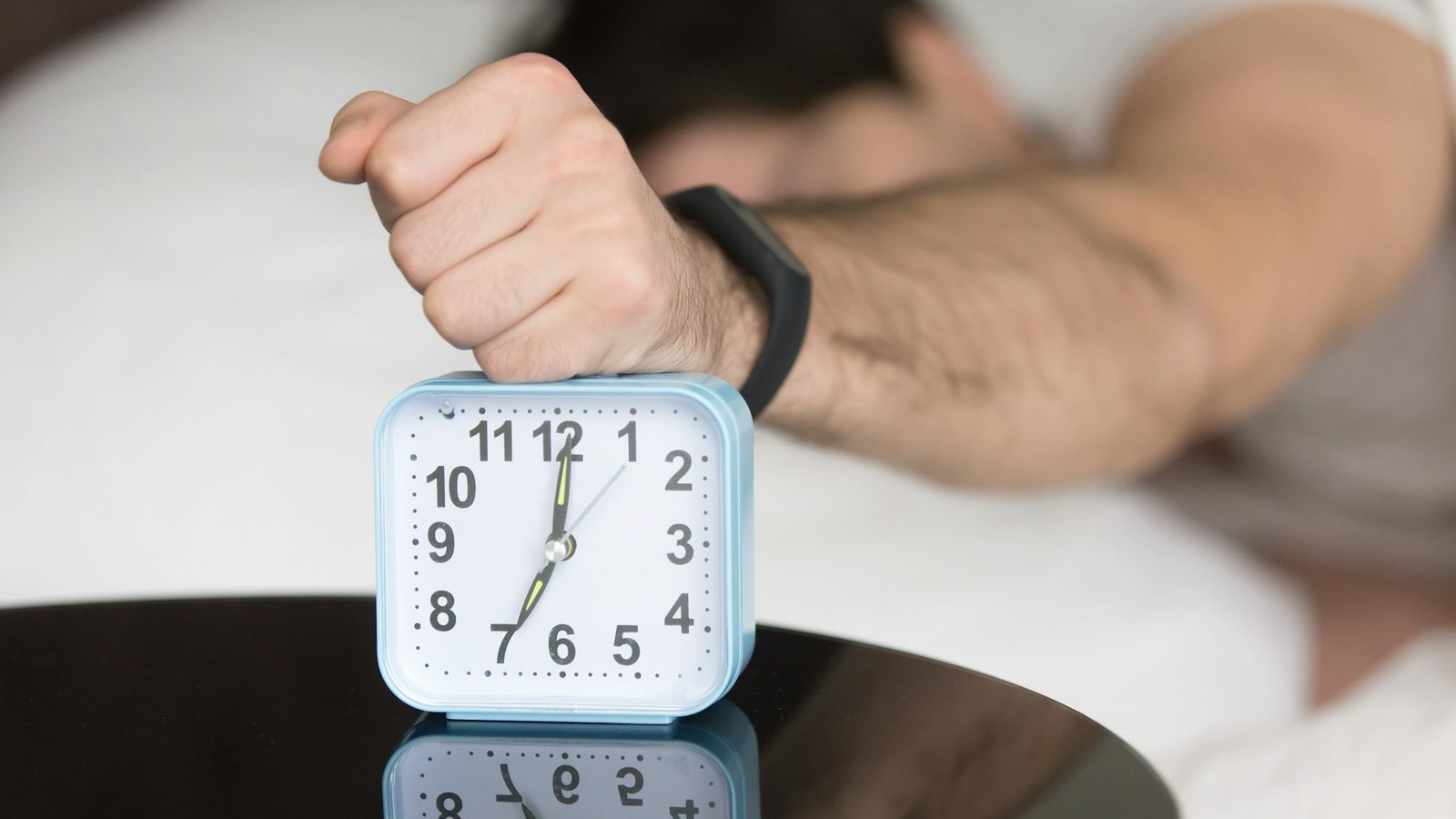
An alarm app that makes you take a picture only stops ringing after you photograph something specific — usually an object outside your bedroom. On iPhone, Weky has three photo missions (Object Hunt, Sky Photo and Make Your Bed), and Alarmy has a photo mission where you match a picture you registered. Because you have to stand up, walk and aim a camera, a photo alarm is one of the most reliable ways to stop going back to sleep.
Most alarms lose at the same moment: a groggy thumb, a stop button, and you go back to sleep before you've opened your eyes properly. A regular alarm lets you dismiss your alarm from bed; a good alarm for heavy sleepers doesn't. A photo alarm moves the stop button to the kitchen. You can't photograph your coffee mug from under the duvet.
Key takeaways
- A photo alarm replaces the stop button with a photo of something away from your bed.
- It works because it's physical. Walking, light and focusing a camera shorten the groggy phase after waking.
- Random targets beat fixed ones. If the target changes, you can't prepare it the night before.
- Weky has three photo missions: a random object, the sky, and your made bed — each verified by the camera.
- Check the alarm rings on a locked screen even when the app is closed.
How does an alarm app that makes you take a photo work?
When the alarm rings, you tap it on the lock screen and the app opens straight into the camera. It tells you what to photograph. You get up, find it, take the picture, and the app checks that the photo shows what it asked for. If it does, the alarm stops. If it doesn't — a blurry shot, the wrong object, a photo of your ceiling — it keeps ringing.
There are two designs:
- Match a registered photo. You photograph a spot the night before (your sink, say) and must take a matching photo in the morning. Alarmy's photo mission works like this, on iPhone and Android, alongside its QR code and barcode scan missions.
- Photograph a type of thing. The app names a category — a mug, the sky, a made bed — and checks that your photo contains it. Weky's photo missions work like this, so there's nothing to set up and nothing to game.
Why a photo alarm wakes you better than a loud alarm
The hardest part of waking isn't hearing the alarm — any loud alarm clock app can ring louder — it's what happens in the next minute. Sleep inertia — the fog right after you wake — impairs judgment, and a stop button is exactly the kind of decision a foggy brain makes badly.
A photo mission fixes that in three ways. It's physical: you have to stand and walk, which raises your heart rate. It brings light: you walk towards the kitchen or a window, and light is the strongest signal to your body clock that it's morning. And it needs focus: framing an object takes attention a sleeping brain can't fake. Loud alarm tones, by contrast, fade with habituation — your brain learns to ignore a sound it hears every day.
Weky's three photo missions
Object Hunt: photograph whatever Weky asks for
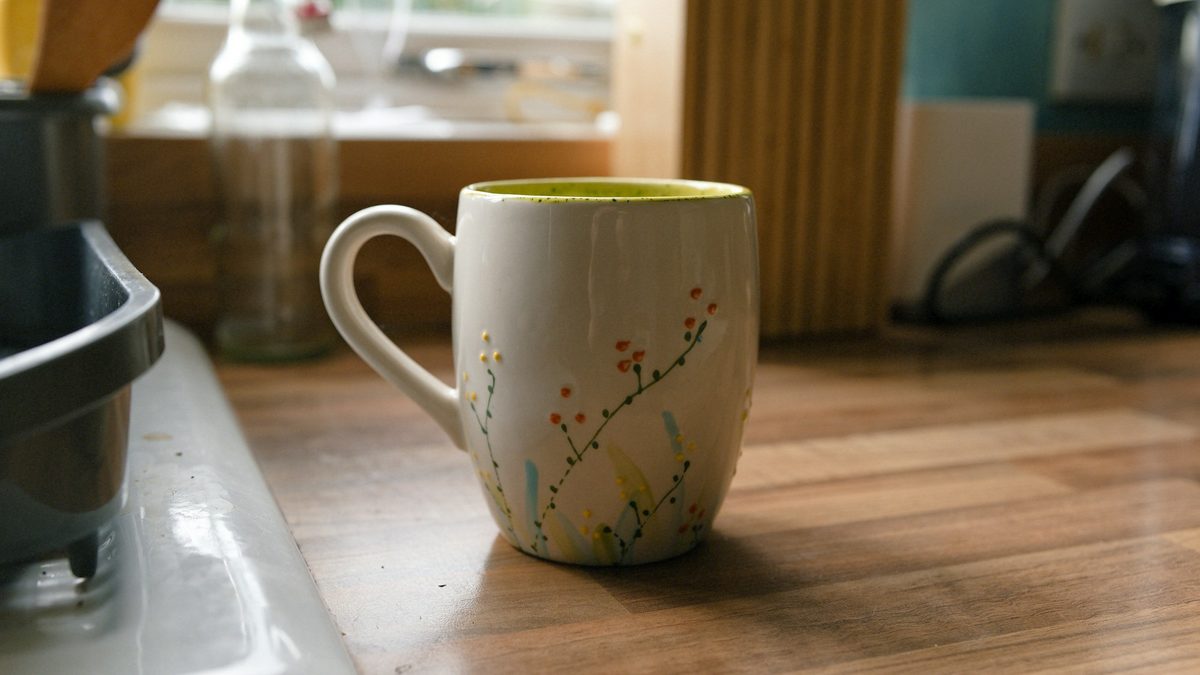
A wheel spins and lands on an everyday object — a cup or mug, a spoon, a kettle, a shoe, a book, an apple, the fridge, and around fifty more. You find it and photograph it; Weky checks the photo shows that object. Can't find one? You get two re-spins per alarm. Because the object is random, you can't prepare it the night before.
Sky Photo: get to a window
The simplest one to explain and the hardest to dodge: photograph the sky. That means curtains open, a window or a balcony, and a face full of morning light — exactly what your circadian rhythm needs.
Make Your Bed: start the day with one thing done
Make your bed and photograph it. Weky checks the bed is actually made. It's the mission people love to hate: once the bed is made, getting back into it feels like undoing work.
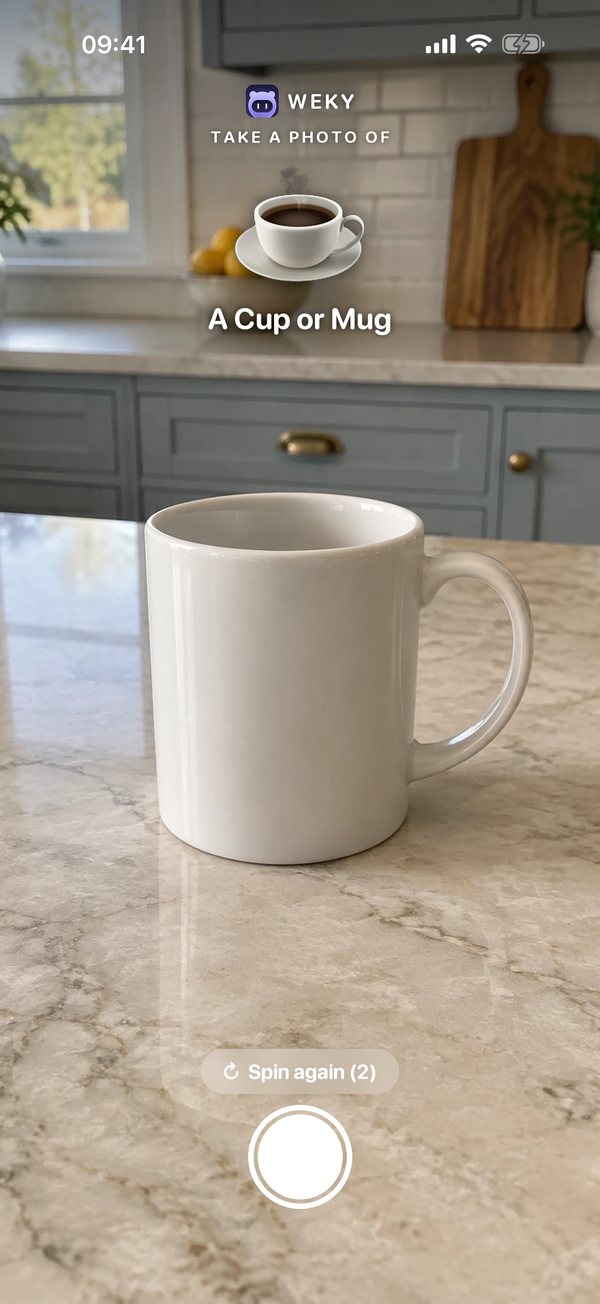
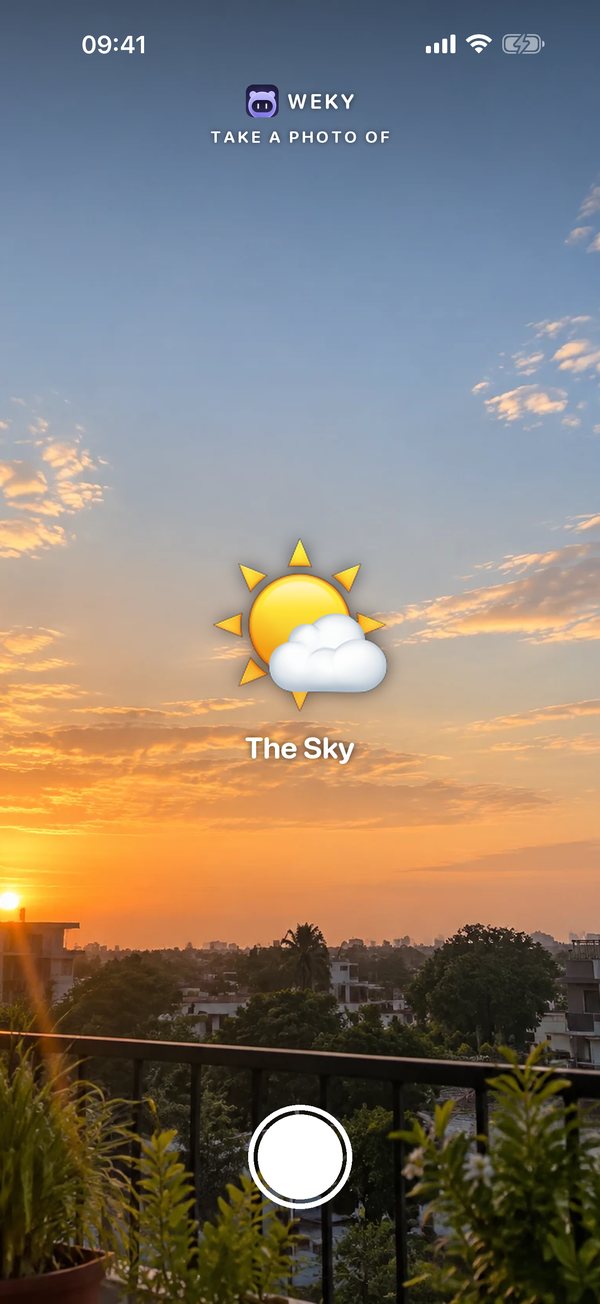
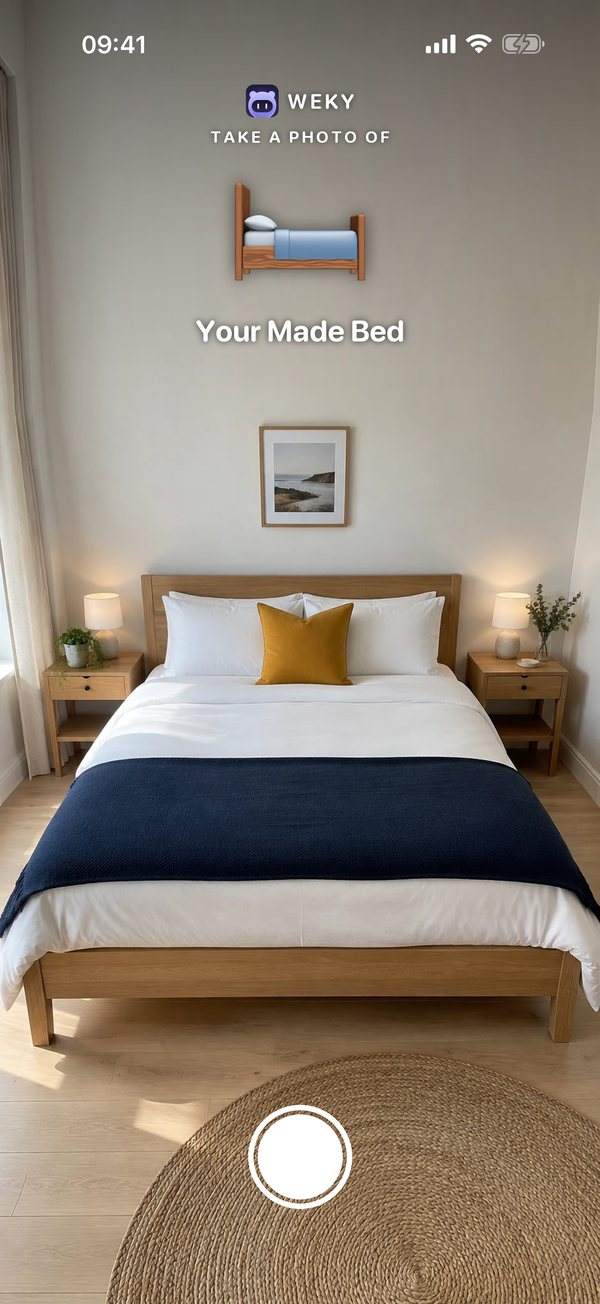
Every photo mission is checked on your phone, and the photos stay private — see our privacy policy. It's a reliable alarm because it's a system alarm that keeps ringing until the photo checks out. You can also preview each mission before you choose it, so you know exactly what 6 a.m. will ask for.
And it rings every time. Weky schedules a real system alarm, so it rings on the lock screen in Silent mode, Sleep, Work or any Focus — even after a force-quit or a restart — without running in the background or draining your battery.
Photo alarm apps for iPhone compared
| App | Photo mission | Random target | Other missions | No snooze | Wake-up check |
|---|---|---|---|---|---|
| Weky | Object Hunt, Sky, Made bed | ✓ | Math, typing, push-ups, squats, barcode, shake, affirmation | ✓ | ✓ |
| Alarmy | Match a registered photo | Household item hunt | Math, shake, squats, memory, typing, QR/barcode | ✓ | Premium |
| Kiwake | Photograph a preset object | – | Mini-game, read your goals | ✓ | – |
| iPhone Clock | – | – | – | Optional | – |
How to set up a photo alarm that actually gets you out of bed
- Choose a target that's out of the bedroom. Object Hunt picks kitchen and household items; Sky Photo needs a window.
- Preview the mission once so you know what the camera expects.
- Pair it with a brain mission if you tend to sleepwalk through it — alarm missions work best in pairs. Weky lets you stack missions — try Math Sprint first, then the photo.
- Turn on the wake-up check. About ten minutes later, Weky rings again with the same or a random mission.
- Test it on a locked phone with the app closed, two minutes ahead.
Do photo alarms work for heavy sleepers?
They're among the best options for heavy sleepers, because they don't depend on volume. The alarm can be as gentle as you like; what matters is that it won't stop until you're on your feet. If one photo has become automatic, add a second mission or a push-up mission. For the full comparison of alarm apps for heavy sleepers, see our best alarm app for heavy sleepers guide.
A photo mission is also a nicer way to start your day than a siren: you're up, the lights are on, and you're less likely to go back to bed. One caveat: if you need a photo alarm because you sleep through everything, it's worth checking you're getting enough sleep. Here's why you sleep through your alarm.
Frequently asked questions
What is the alarm app that you have to take a picture to turn off?
Several apps do this. On iPhone, Weky has three photo missions — Object Hunt, Sky Photo and Make Your Bed — and Alarmy has a photo mission where you match a picture you registered. Kiwake asks you to photograph a preset object away from your bed.
Is there an alarm app that makes you do something on your phone to turn it off?
Yes — these are called mission alarms. Instead of a stop button, the alarm only ends after a task: math problems, typing a phrase, push-ups, scanning a barcode, shaking the phone or taking a photo.
Do photo alarm apps work on a locked screen?
On iOS 26 and later, apps can schedule real system alarms that ring on the lock screen. Weky's alarm rings there even if you've force-quit the app; tapping it opens your mission.
Can I use my own photos for an alarm app's wake-up challenge?
In Alarmy you register a photo of a spot and must match it. In Weky the photo missions are set — a random object, the sky or your made bed — so you can't game them by photographing something on your nightstand. For a fixed object of your choice, use Weky's barcode mission instead.
What kind of objects work best for a photo alarm?
Things that aren't in your bedroom: a mug or kettle in the kitchen, a toothbrush or sink in the bathroom, shoes by the door. The farther from your bed, the more awake you'll be when the alarm stops.
Are there free alarm apps that make you take a picture?
Alarmy's free tier includes a photo mission with ads. Weky is free to download, but setting alarms requires Weky Pro ($19.99 a year with a 7-day free trial).
References
- Hilditch CJ, McHill AW. Sleep inertia: current insights. Nature and Science of Sleep, 2019;11:155–165.
- Wright KP, McHill AW, Birks BR, et al. Entrainment of the human circadian clock to the natural light-dark cycle. Current Biology, 2013;23(16):1554–1558.
- Rankin CH, Abrams T, Barry RJ, et al. Habituation revisited. Neurobiology of Learning and Memory, 2009;92(2):135–138.
- Alarmy and Kiwake, US App Store listings, checked October 2026.