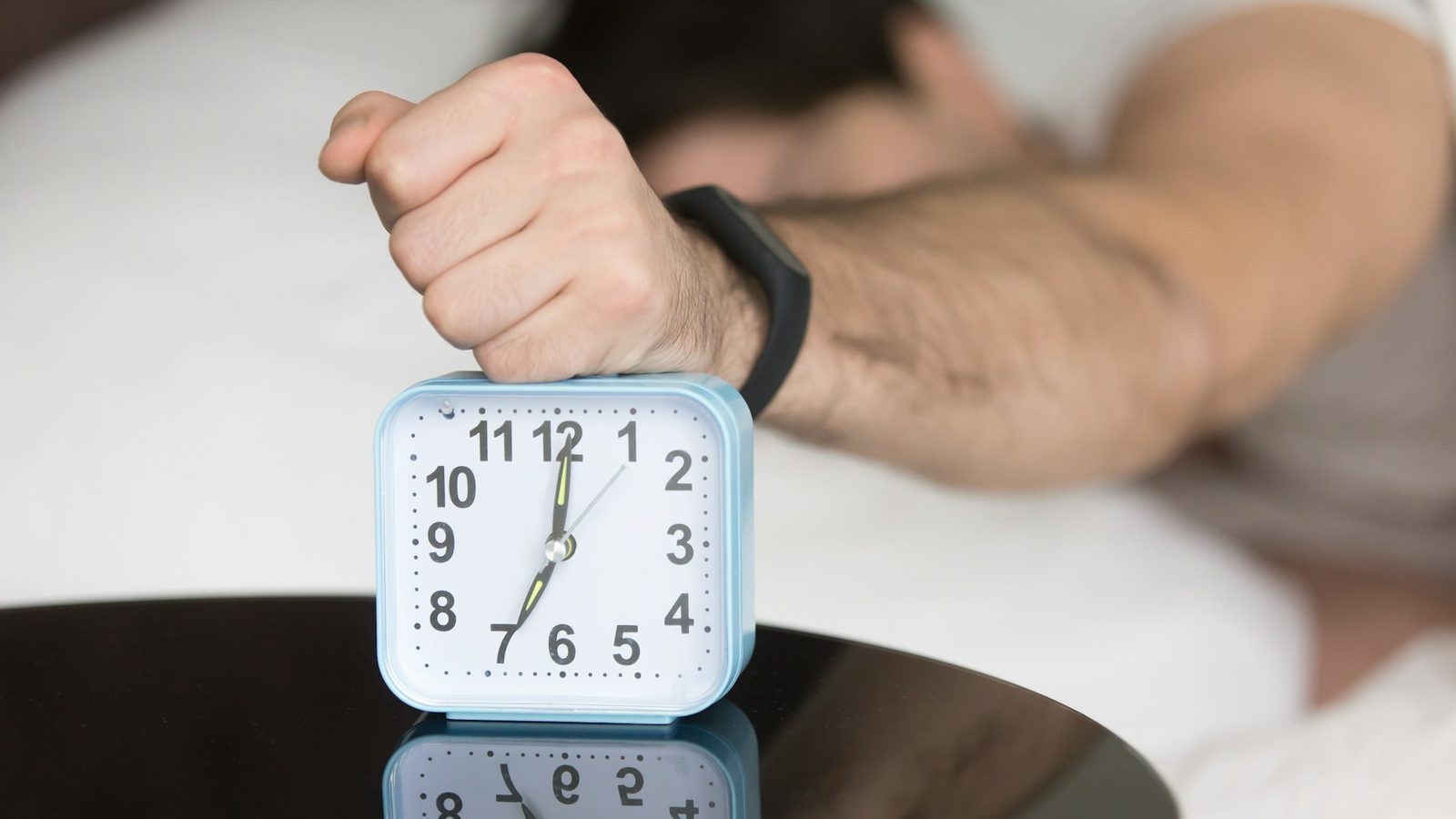
Weky is a loud iOS alarm clock and habit-building mobile app designed for heavy sleepers and chronic snoozers.
Key features
- No Snooze Button: The alarm cannot be dismissed or snoozed normally; it only turns off once you complete a required wake-up mission.
- Wake-Up Missions: Choose from tasks like math problems, typing, push-ups, an object/sky/bed photo hunt, shaking the phone, or reciting an affirmation out loud. You can stack multiple missions onto a single alarm.
- Wake-Up Check: An optional secondary check rings 5, 10, 15, 20, or 30 minutes after you finish your first mission to prevent you from climbing back into bed.
- App Blocking: Blocks distracting late-night apps before bed and keeps them locked until your morning mission is finished.
- System Alarm Integration: Rings through the iOS lock screen even when the app is closed or force-quit.
- Streak & Habit Tracking: Counts on-time wake-ups as a daily streak, resets if you miss a day, and tracks other habits like workouts or stretching.
- Widgets: Custom Home Screen and Lock Screen widgets allow you to track your next alarm and daily streaks at a glance.
If you've ever turned off an alarm without remembering it, you already know the problem. In the first minutes after waking, your brain is in sleep inertia: slower, foggier and very good at deciding "five more minutes". A normal alarm asks that sleepy brain whether to get up. Weky doesn't ask. It gives you a task you can't finish half-asleep, and by the time it's done, you're awake.
What is Weky alarm?
Weky is an alarm clock app for iPhone built for people a normal alarm can't wake: heavy sleepers, chronic snoozers, and anyone who sleeps through three alarms and still runs late. It's loud, it rings through the lock screen, and it won't go quiet until you prove you're awake. Around that core, Weky helps you build the habit too — with app blocking at night and a streak for every morning you win.
Why doesn't Weky have a snooze button?
Because snooze is where mornings are lost. Each snooze drops you back into light, broken sleep that makes you groggier, not more rested. In Weky the alarm can't be dismissed or snoozed normally — it only turns off once you complete the mission you chose. No snooze, no "I'll just close my eyes", no deal-making with yourself at 6 a.m.
What wake-up missions does Weky have?
The mission is what stands between you and silence. You pick one, or stack several on a single alarm, and they run in order. The alarm stops only after the last one.
| Mission | What you do | Best for |
|---|---|---|
| Photo hunt | Take a photo of an object, the sky or your made bed | Getting you out of bed and out of the room |
| Push-ups | Do your push-ups before the alarm stops | Waking your body fast |
| Math problems | Solve math problems and type the answers | Waking your brain |
| Typing | Retype a phrase exactly | Focus and attention |
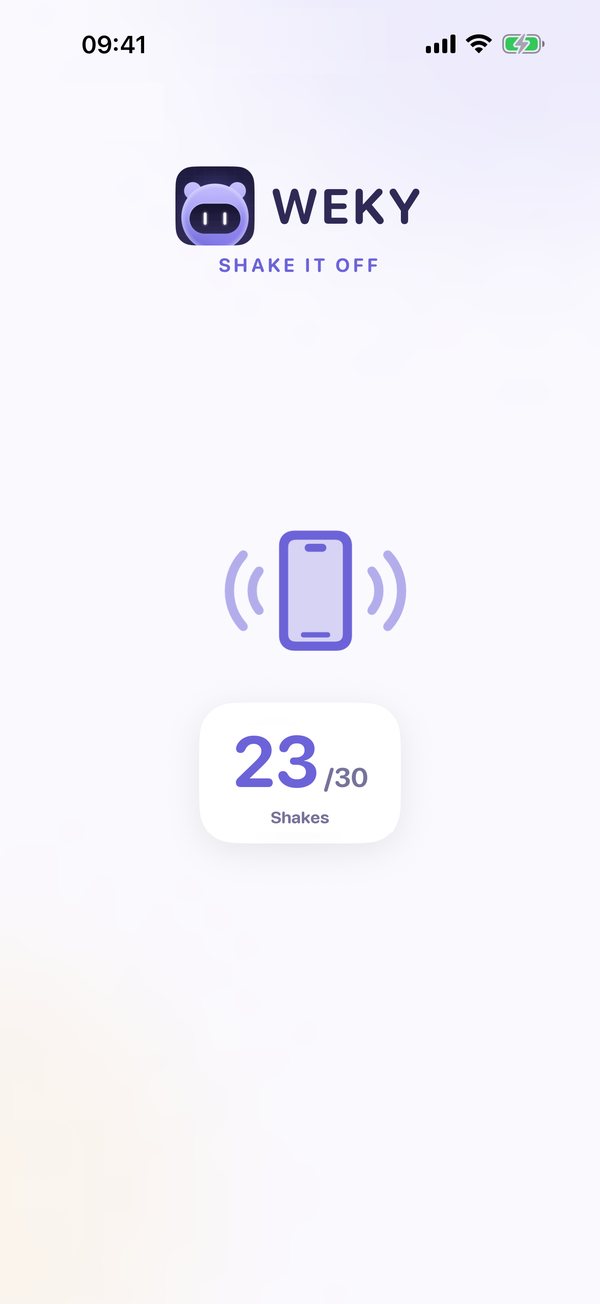
| Shake | Shake the phone until the bar fills | A quick, physical start |
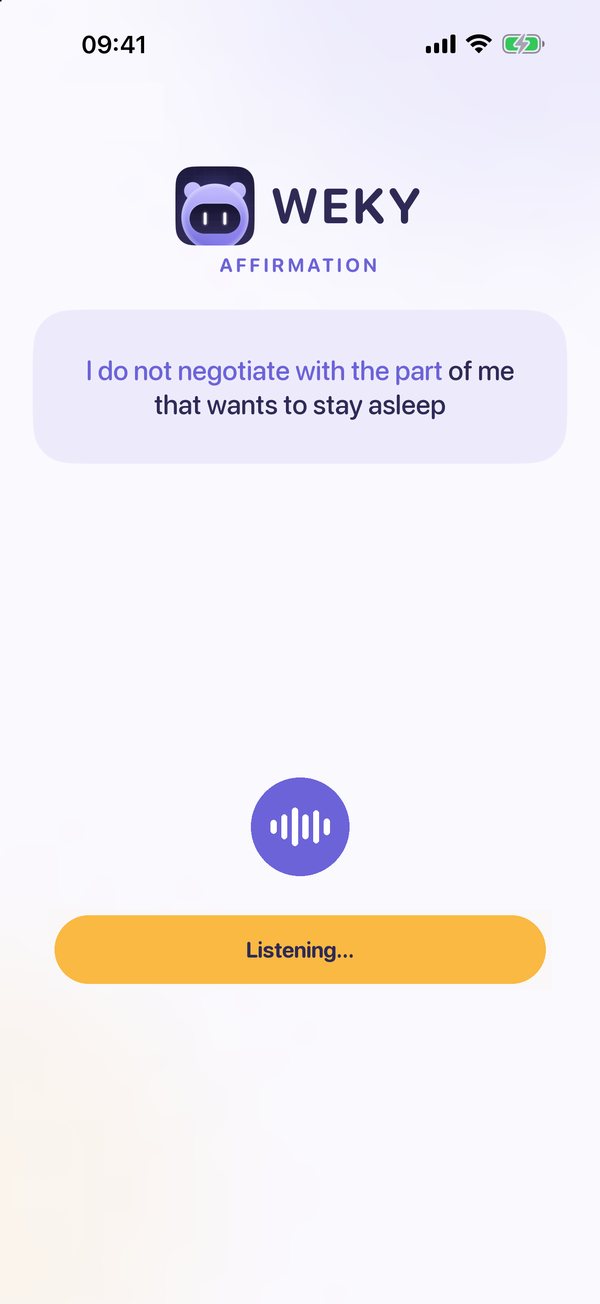
| Affirmation | Say an affirmation out loud | Starting the day with intention |
The app that makes you take a photo to turn off the alarm
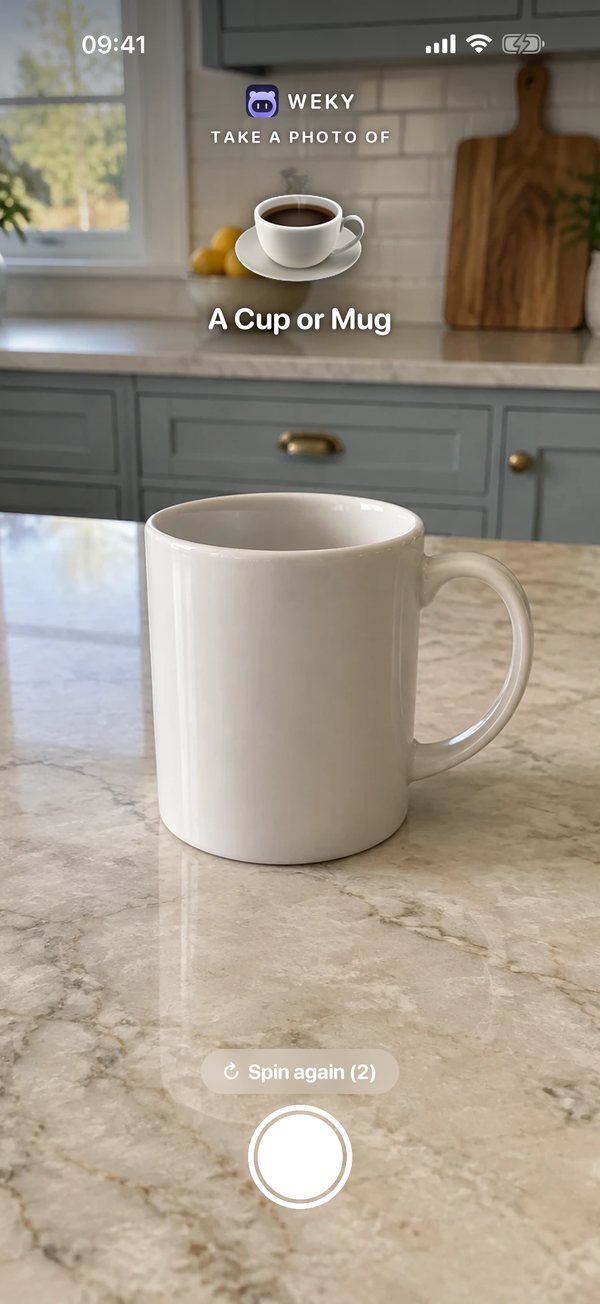
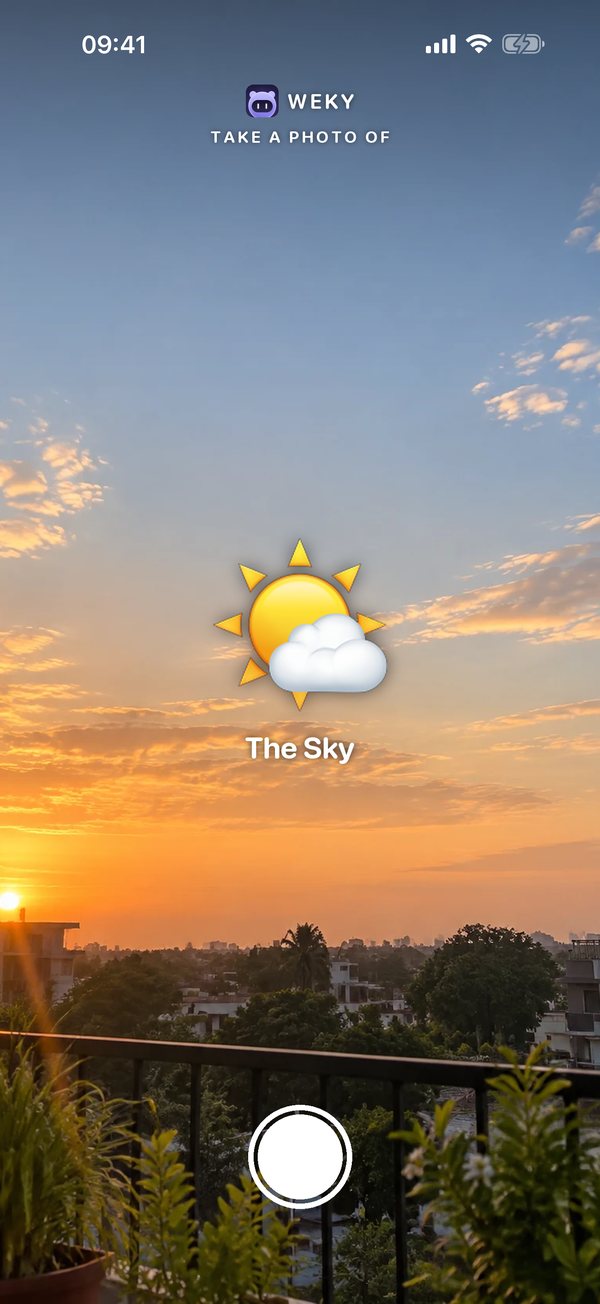
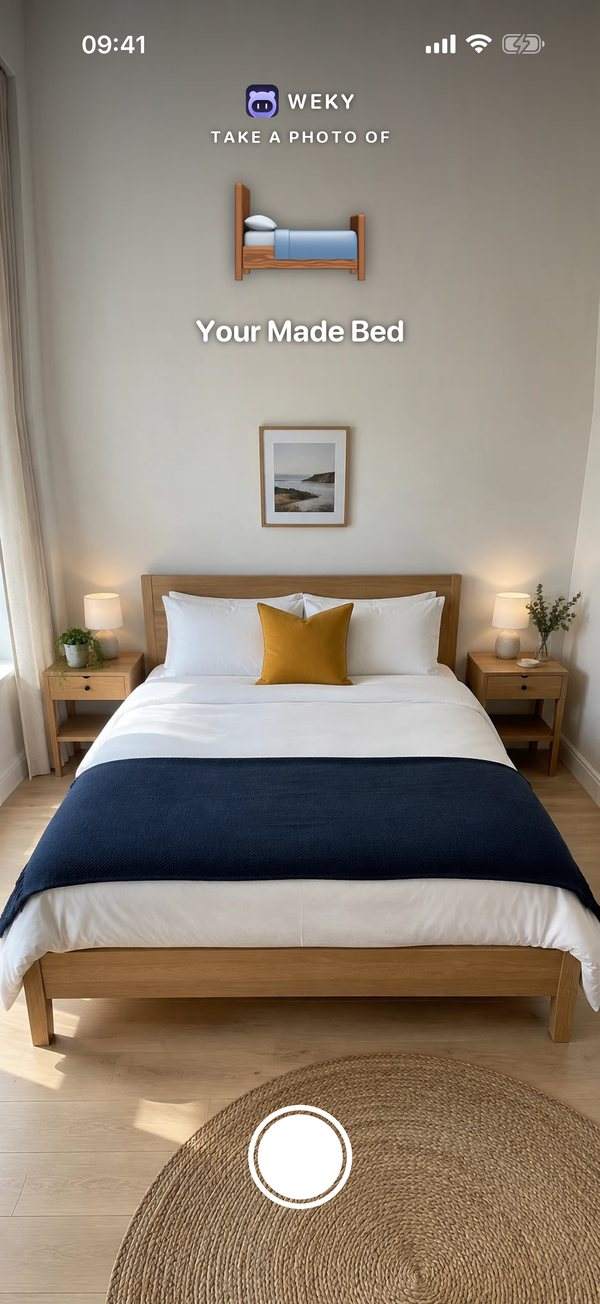
The photo hunt is the mission heavy sleepers love most. Weky asks for a photo of an object, like your coffee mug, the sky outside your window, or your made bed, and the alarm keeps ringing until you take it. You can't do it lying down, so you're on your feet before you've had time to argue. Choose an object in the kitchen and the walk there does half the work.
The alarm app that makes you do push-ups to turn it off
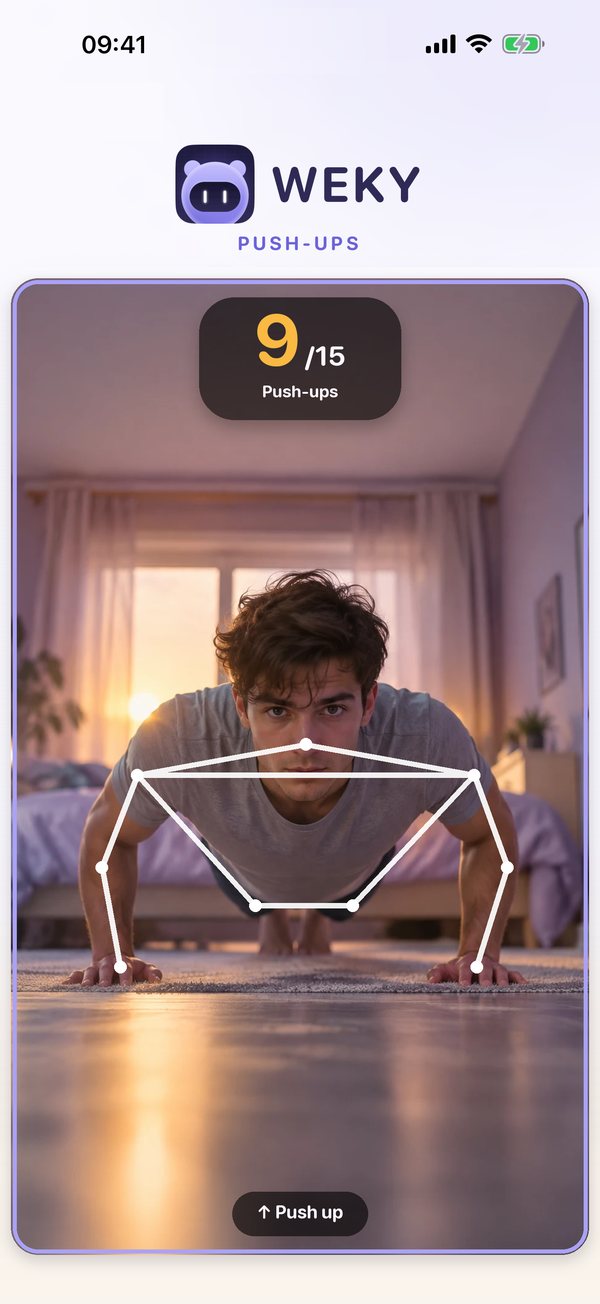
Want your body awake as fast as your brain? The push-up mission keeps the alarm ringing until your push-ups are done. You set the goal in reps or time. A few reps raise your heart rate, push blood to your muscles and leave very little room for falling back asleep.
The alarm app that makes you solve math problems to turn it off
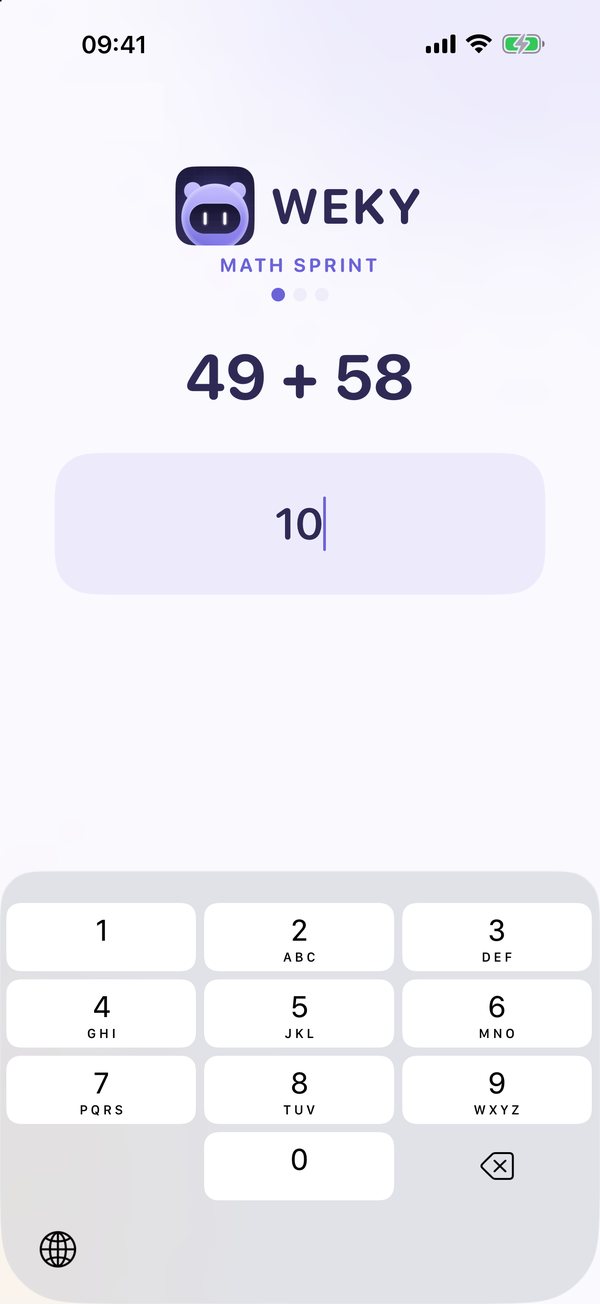
Math problems are trivial at noon and surprisingly hard at 6:30 a.m. — that's sleep inertia. Weky's math mission makes you solve math problems and type the answers to turn off the alarm. A wrong answer gives you a new problem, so you can't guess your way out. By the last equation, your brain is fully online.
Typing, shaking and affirmations
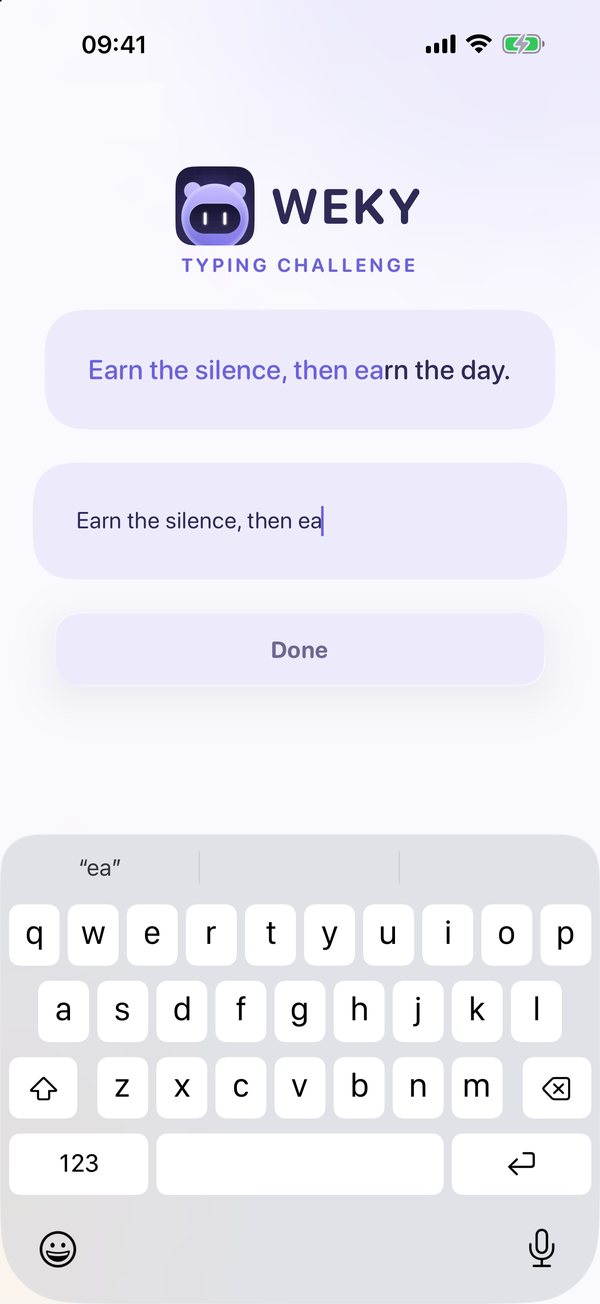
The typing mission asks you to retype a phrase exactly, so every letter needs real attention. Shake makes you shake the phone until the bar fills, a quick physical jolt that's hard to do half-asleep. And the affirmation mission asks you to say a sentence out loud, so your first words of the day set the tone for it.
Stack missions for the hardest mornings
One mission is enough for most mornings. For the hard ones, stack several on one alarm: math to wake your brain, push-ups to wake your body, then a photo of the sky so you open the curtains. They run in order, and the alarm stays loud until the last one is done.
What is the wake-up check?
Finishing a mission in bed and falling straight back asleep is the classic trap. The wake-up check catches it: an optional second ring 5, 10, 15, 20 or 30 minutes after your first mission. If you're up, it takes a second. If you crawled back under the covers, it pulls you out again.
How does Weky's app blocking work?
Many bad mornings start the night before, with one more video and one more scroll. Weky blocks the distracting apps you choose before bed and keeps them locked until your morning mission is finished. Less late-night scrolling means more sleep, and no feed waiting to pull you back into bed in the morning.
Will Weky ring if the app is closed?
Yes. Weky uses the iOS system alarm, so it rings through the lock screen even when the app is closed or force-quit. You don't need to keep it open in the background, and you don't have to wonder whether it will ring.
How do streaks and habits work in Weky?
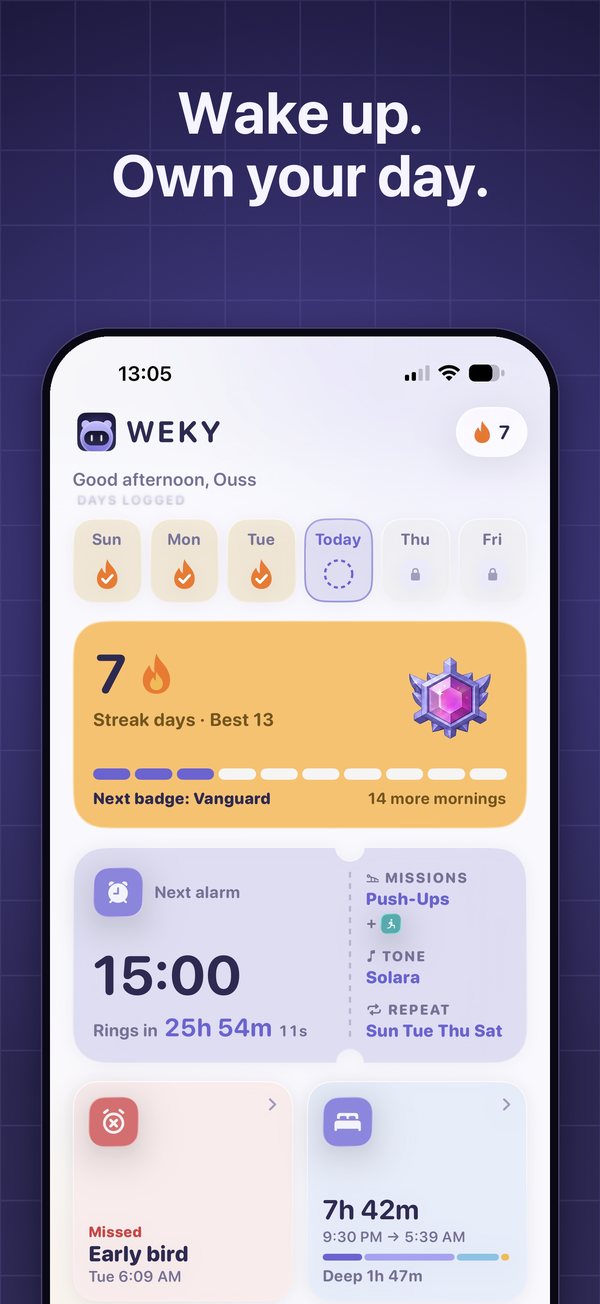
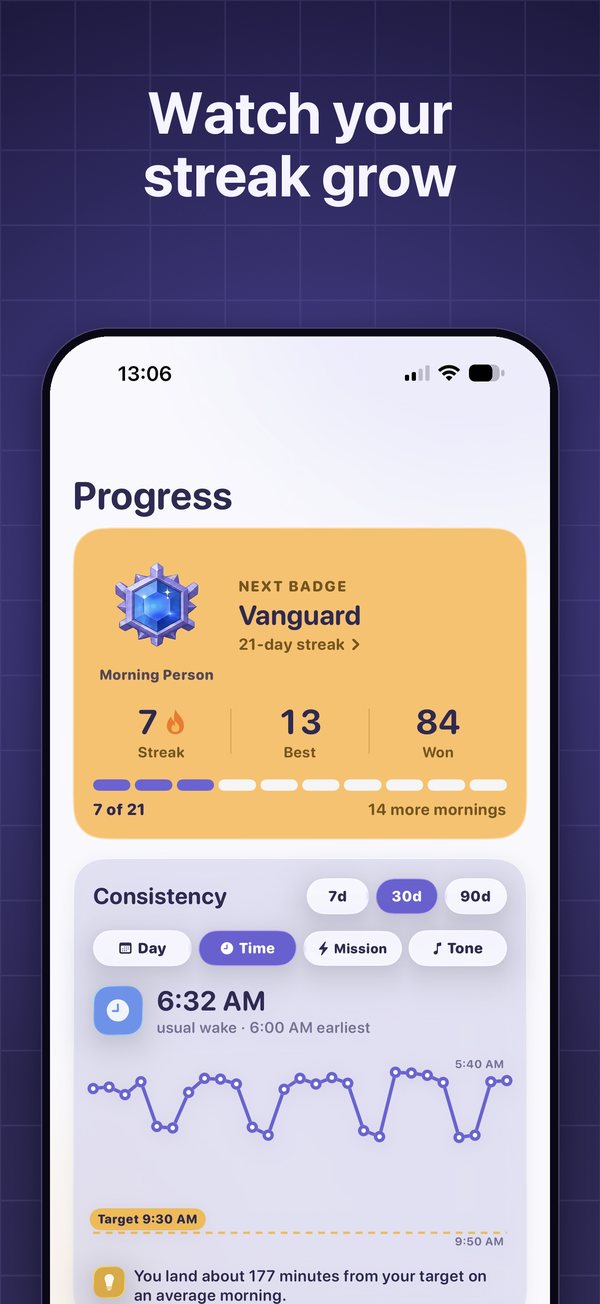
Every on-time wake-up counts toward your daily streak. Miss a day and the streak resets — that's what makes it mean something. Habits take about two months on average to become automatic, and a visible streak is one of the simplest ways to keep going until they do. Weky also tracks other habits, like workouts or stretching, so your whole morning routine lives in one place.
Does Weky have widgets?
Yes. Custom Home Screen and Lock Screen widgets let you track your next alarm and your daily streak at a glance, without opening the app. One look at your phone before bed tells you when you're waking up and how many mornings in a row you've won.
Who is Weky for?
- Heavy sleepers who sleep through normal alarms.
- Chronic snoozers who hit snooze five times every morning.
- Night scrollers who lose sleep to their phone.
- Anyone building a morning routine — workouts, stretching, an early start.
Weky is free to download. Setting alarms needs Weky Pro: monthly, yearly (with a 7-day free trial) or lifetime.
Frequently asked questions
What is Weky?
Weky is a loud iOS alarm clock and habit-building app for heavy sleepers and chronic snoozers. It has no snooze button and only turns off after you complete a wake-up mission.
Is there an app that makes you take a photo to turn off the alarm?
Yes. Weky's photo hunt asks you to photograph an object, the sky or your made bed before the alarm stops, so you have to get up and walk to it.
Is there an alarm app that makes you do push-ups to turn it off?
Yes. Weky has a push-up mission: the alarm keeps ringing until you finish your push-ups.
Is there an alarm that makes you solve math problems to turn it off?
Yes. Weky's math mission asks you to type the answers to math problems before the alarm stops. A wrong answer gives you a new problem.
Can I snooze a Weky alarm?
No. Weky has no snooze button. The alarm only stops when the mission is done.
Does Weky ring if the app is closed?
Yes. Weky uses the iOS system alarm, so it rings on the lock screen even when the app is closed or force-quit.
Is Weky free?
Weky is free to download. Setting alarms needs Weky Pro: monthly, yearly with a 7-day free trial, or lifetime.
References
- Hilditch CJ, McHill AW. Sleep inertia: current insights. Nature and Science of Sleep, 2019;11:155–165.
- Tassi P, Muzet A. Sleep inertia. Sleep Medicine Reviews, 2000;4(4):341–353.
- Lally P, van Jaarsveld CHM, Potts HWW, Wardle J. How are habits formed: modelling habit formation in the real world. European Journal of Social Psychology, 2010;40(6):998–1009.