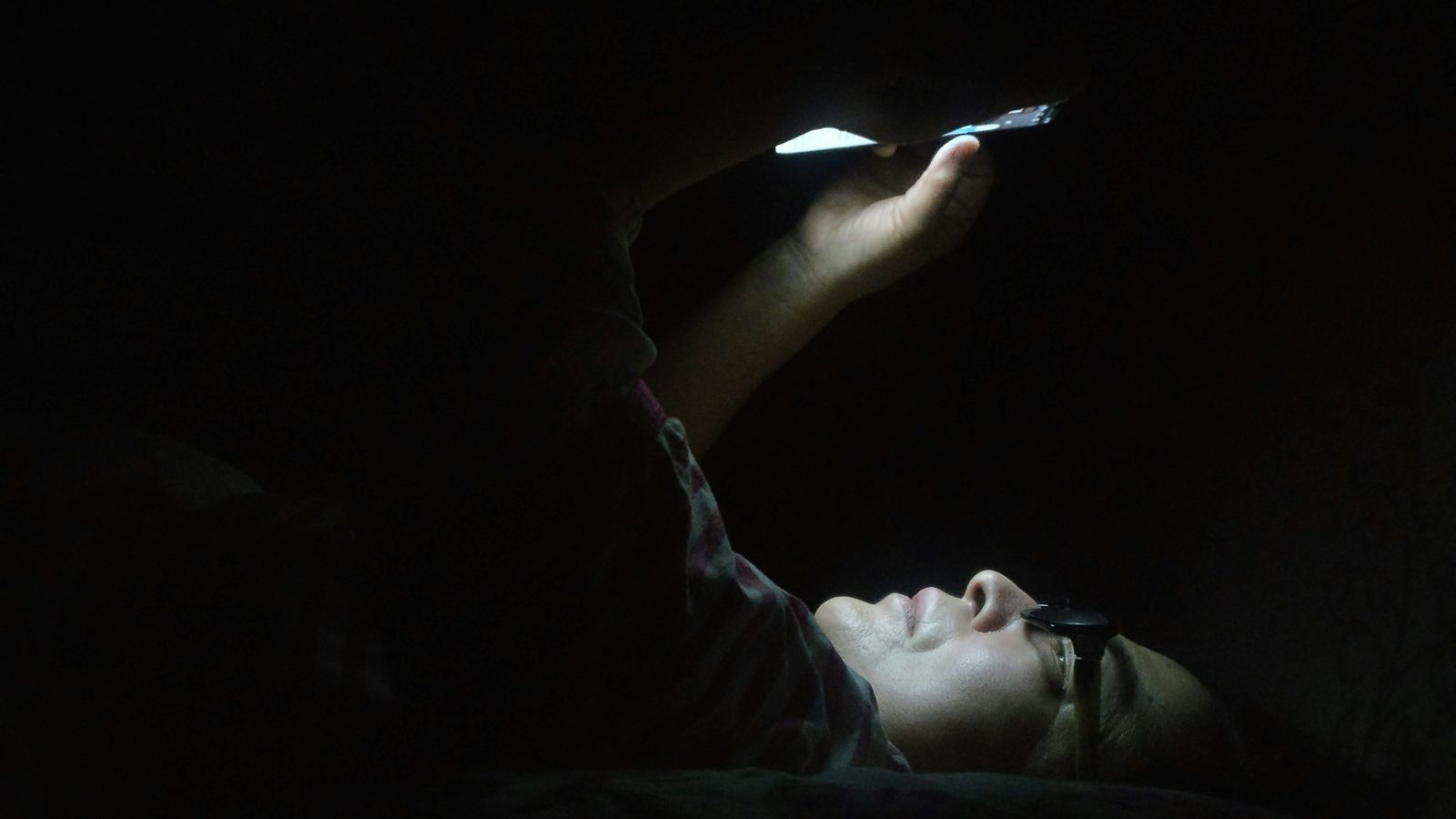
To stop phone addiction, don't rely on willpower: change your environment. Turn off non-essential notifications, move the apps you overuse off your home screen, keep the phone out of reach when you work and out of the bedroom at night, and block your most addictive apps at fixed times. Start with your nights and mornings: they are when phone habits are strongest and when cutting back pays off most.
Why your phone is so hard to put down
Checking your phone feels like a free choice. In reality, most of the apps you open most often were built to win that choice. A few mechanisms do most of the work:
- Unpredictable rewards. Sometimes a refresh brings a message you were waiting for, a like or a great video; often it brings nothing. Rewards that arrive at random are the most habit-forming kind, the same principle that makes slot machines hard to walk away from.
- No natural stopping point. Infinite feeds, autoplay and "next episode in 5 seconds" remove the moments where you would normally stop and decide.
- Notifications. Every buzz is a small interruption that pulls you back in, and once you're in, you rarely open only the app that called you.
- Fear of missing out. Group chats, news and feeds make it feel like something important is happening right now without you.
- It fills every gap. Queues, ads, the first minute after waking up: the phone is always the easiest thing to reach for, so it quietly becomes the default for boredom, stress and tiredness.
None of this means you're weak. It means that "just use it less" is a bad plan, because you're fighting a system designed by large teams to keep you scrolling. The plans that work change the situation, not your character.
Signs you might be addicted to your phone
Phone addiction isn't an official diagnosis; researchers usually call it problematic smartphone use. Still, the pattern is easy to recognise. Count how many of these sound like you:
- You reach for your phone without deciding to, even when it didn't buzz.
- You regularly use it much longer than you meant to.
- You feel anxious, irritable or restless when it's out of reach or the battery is low.
- It's the last thing you look at before sleep and the first thing after waking up.
- You scroll in bed past the time you wanted to be asleep.
- You check it during meals, conversations or while driving.
- Your work or study suffers because you keep picking it up.
- You've tried to cut back and drifted back within days.
If several apply, your phone use is probably costing you more than you think. If it's seriously affecting your mood, sleep or relationships, it's worth talking to a doctor or therapist as well as making the changes below.
What heavy phone use really costs you
Your focus. In a well-known study, people did better on tests of working memory and fluid intelligence when their phone was in another room than when it was on the desk, even face down and silent. Just having the phone nearby used up attention, because part of the brain was busy not checking it.
Your mood. When students limited Facebook, Instagram and Snapchat to 10 minutes each per day (30 minutes in total) for three weeks, their loneliness and depression fell compared with a group that used social media as usual. In a larger experiment, people who deactivated Facebook for four weeks reported higher well-being, and many kept using it less afterwards.
Your sleep and your mornings. Late-night scrolling pushes bedtime later, keeps your brain alert and leaves you with less sleep before the same alarm. Then the first thing many people do on waking is reach for the phone, which turns five minutes in bed into thirty. A bad night and a slow morning feed each other.
How to stop phone addiction: 10 steps
1. Measure before you cut
Look at your daily screen time and which apps take most of it. Most people underestimate their use by a lot. Pick the two or three apps that cost you the most time: those are your targets, not the phone as a whole.
2. Turn off almost every notification
Keep notifications only from people (calls and messages) and from things that are truly time-sensitive. Everything else can wait until you open the app. In one experiment, people who received their notifications in a few batches a day instead of instantly felt less stressed and more focused.
3. Move the problem apps off your home screen
Put your biggest time-wasters in a folder on the last page, or delete them from your phone and use them only on a computer. Every extra tap is a moment to notice what you're doing. Your home screen should show tools, not slot machines.
4. Try grayscale
Colour makes icons, badges and feeds more rewarding. In a study with college students, switching the screen to grayscale reduced daily screen time. On iPhone you'll find colour filters in the accessibility settings; you can add a shortcut to switch them on and off.
5. Keep the phone out of reach when you need to focus
Out of sight isn't enough: as the "brain drain" study showed, the phone on your desk still drains attention. Put it in another room or in a bag while you work, study or spend time with people.
6. Make the bedroom a phone-free zone
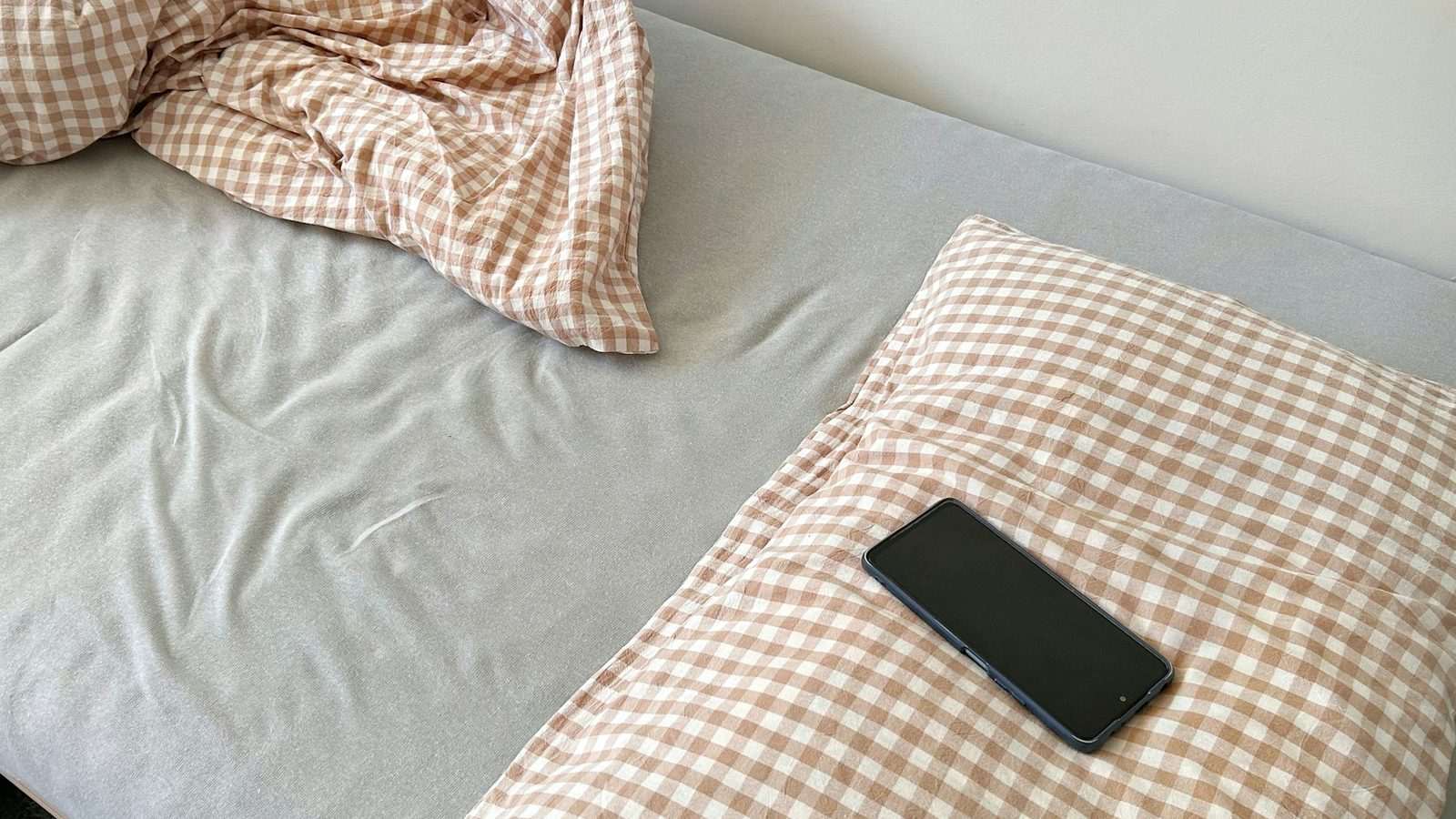
Charge your phone outside the bedroom or at least across the room. If you use it as your alarm, put it where you have to get up to reach it. The bedroom is where most people lose the most time to the phone, and the most sleep.
7. Cap social media, don't fight it forever
Quitting completely is hard to sustain. A limit is easier: around 30 minutes a day of social media was enough in research to improve mood. Decide in advance when you'll use it, for example after lunch and after dinner.
8. Replace the habit, don't just remove it
The phone fills a need: boredom, a break, company, winding down. If you remove it without a replacement, you'll drift back. Keep a paper book by the bed, a podcast for the commute, a short walk for breaks. A habit that does the same job is easier to keep than a hole.
9. Protect the first hour of the morning
Checking messages and feeds in bed pulls you straight into other people's priorities. Instead, keep a short phone-free routine: get up, open the curtains, drink water, wash your face, and only then look at the phone. It sets the tone for the rest of the day.
10. Use blocking instead of willpower
Your self-control is lowest late at night and in the first minutes after waking up, exactly when phone habits are strongest. Don't decide in those moments: decide once, in advance, and let a block hold the line. The apps aren't forbidden, they're simply locked until a time you chose with a clear head.
Start with your nights and mornings: how Weky helps
Of all the hours in your day, two matter most for breaking a phone habit: the last hour before sleep and the first minutes after the alarm. That's where Weky comes in. Weky is an iPhone alarm that only stops when you've completed a wake-up mission, and it can lock the apps that keep you up.
- App blocking from bedtime. In the alarm editor, open App blocking, choose the apps you scroll in bed and when blocking starts, for example 10 p.m. Social feeds, video and games stay locked through the night.
- Unlocked only when you're up. By default the apps unlock when your morning mission is done, not when the alarm rings. So the first thing you do in the morning is get up, not open a feed.
- A morning mission that gets you out of bed. Scan a barcode on a product you keep in the kitchen, do push-ups or squats, solve a few equations, take a photo of the sky, or find objects around your home. Up to five missions per alarm, in the order you choose.
- No late-night loopholes. Before an alarm rings, it locks, so you can't switch it off at 2 a.m. on a whim. In Settings, Guard Weky while ringing stops you deleting the app to get back to sleep.
- A streak that makes progress visible. Every morning you win is counted. After the mission, the Start My Day checklist gives your first phone-free minutes a plan.
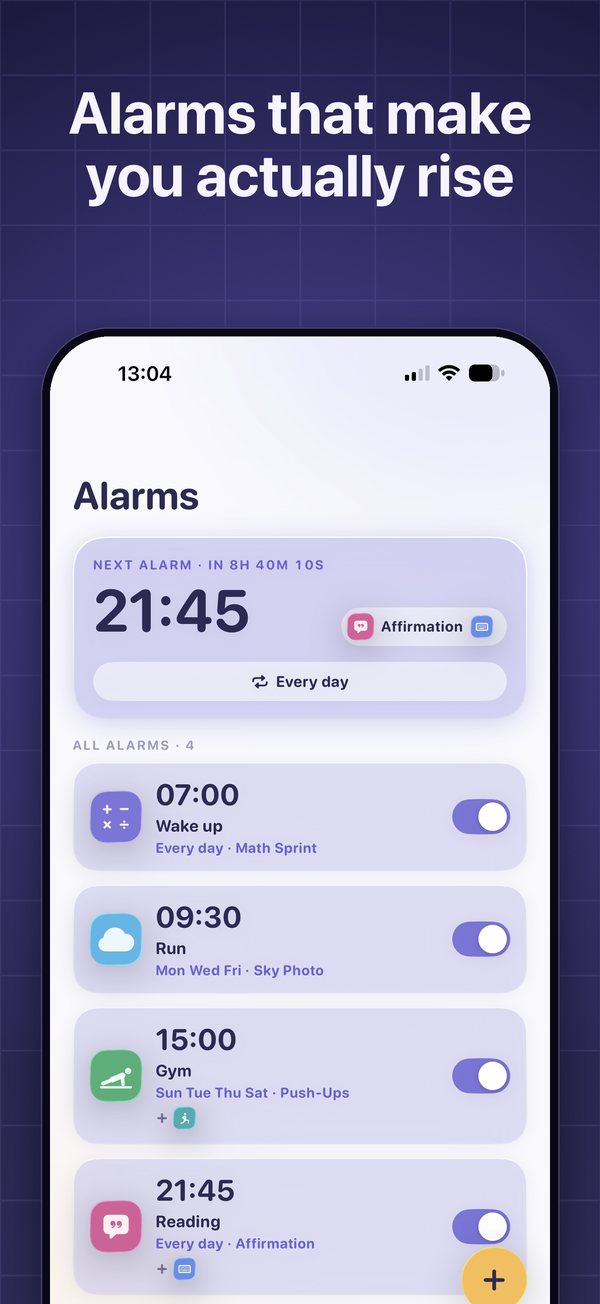
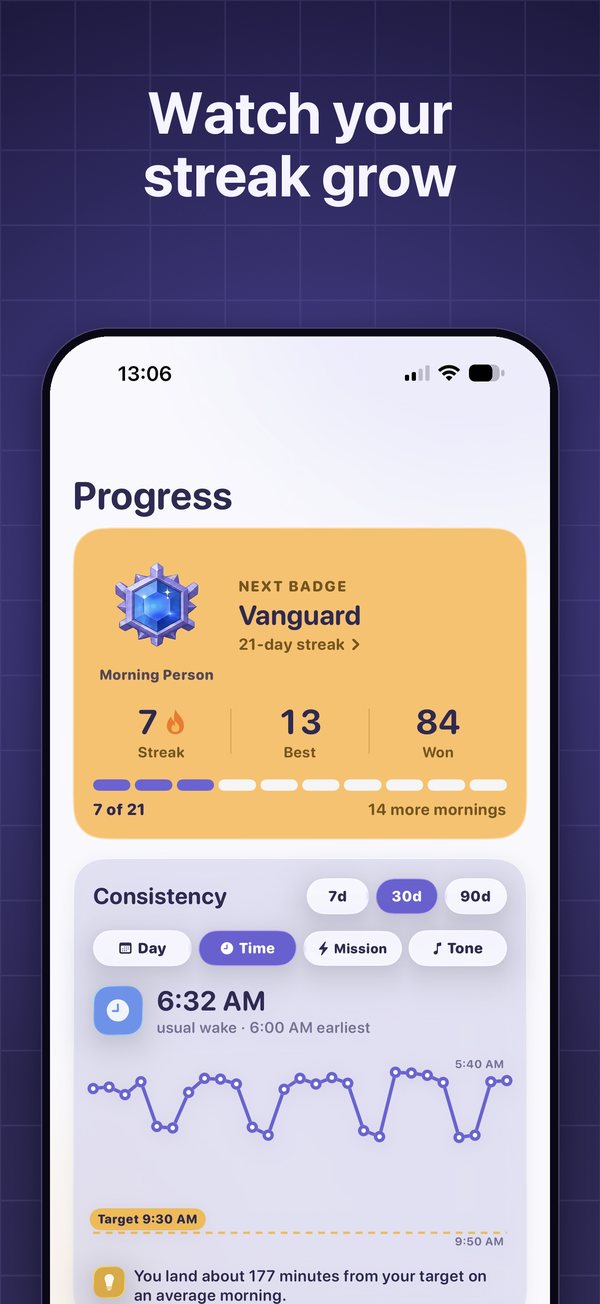
You decide once, in the evening or even today, and Weky holds the line at midnight and at 7 a.m., the two moments willpower usually loses. Your iPhone's built-in app limits can help during the day too, but they're easy to dismiss with one tap; Weky ties the unlock to actually getting up.
A simple 7-day plan
- Day 1: Check your screen time and pick your two or three target apps.
- Day 2: Turn off every non-essential notification.
- Day 3: Move the target apps off your home screen and try grayscale.
- Day 4: Charge the phone outside the bedroom, or across the room.
- Day 5: Set a bedtime block for your target apps that lasts until your morning mission is done.
- Day 6: Keep the first part of the morning phone-free and add one replacement habit.
- Day 7: Compare your screen time with day 1 and keep what worked.
Expect the first week to feel restless: the urge to check is strongest when it stops being rewarded. It fades. New habits take around two months on average to become automatic, so give the changes time and don't restart from zero after one bad day.
Weky is free to download; Weky Pro is available monthly, yearly (with a 7-day free trial) or lifetime.
If late nights are where you lose the most time, read how to stop scrolling at night and revenge bedtime procrastination. To set up blocking step by step, see how to use Weky.
Frequently asked questions
How do I know if I'm addicted to my phone?
Common signs are reaching for your phone without thinking, using it longer than you planned, feeling anxious or restless without it, checking it in bed and first thing in the morning, and failed attempts to cut back. Phone addiction isn't an official diagnosis, but if your phone use regularly hurts your sleep, work, relationships or mood, it's worth changing.
Is phone addiction a real addiction?
Researchers usually call it problematic smartphone use. It isn't a recognised diagnosis in the main psychiatric manuals, but it shares features with behavioural addictions: compulsive checking, loss of control and continued use despite harm. If it seriously affects your life or mood, talk to a doctor or therapist.
How long does it take to break a phone addiction?
Most people feel calmer and more focused within one to two weeks of cutting back, and new habits take around two months to become automatic. In one study, limiting social media to 30 minutes a day for three weeks was enough to reduce loneliness and depression.
What is the fastest way to reduce screen time?
Turn off non-essential notifications, move or delete the apps you overuse, keep the phone out of the bedroom, and block your most addictive apps at fixed times. Friction and blocking work faster than willpower because they remove the decision.
Does grayscale mode help with phone addiction?
It can. Colour makes icons and feeds more rewarding; in a study with college students, switching phones to grayscale reduced daily screen time. It's free and you can turn it on in your iPhone's accessibility settings.
Should I check my phone first thing in the morning?
It's better not to. Checking messages and feeds in bed pulls you into other people's priorities and often back under the covers. Keep the first part of your morning phone-free: get up, get light, drink water, and check the phone after your morning routine.
References
- Ward AF, Duke K, Gneezy A, Bos MW. Brain Drain: The Mere Presence of One's Own Smartphone Reduces Available Cognitive Capacity. Journal of the Association for Consumer Research, 2017;2(2):140–154.
- Hunt MG, Marx R, Lipson C, Young J. No More FOMO: Limiting Social Media Decreases Loneliness and Depression. Journal of Social and Clinical Psychology, 2018;37(10):751–768.
- Allcott H, Braghieri L, Eichmeyer S, Gentzkow M. The Welfare Effects of Social Media. American Economic Review, 2020;110(3):629–676.
- Fitz N, Kushlev K, Jagannathan R, Lewis T, Paliwal D, Ariely D. Batching smartphone notifications can improve well-being. Computers in Human Behavior, 2019;101:84–94.
- Holte AJ, Ferraro FR. True colors: Grayscale setting reduces screen time in college students. The Social Science Journal, 2020.
- Lally P, van Jaarsveld CHM, Potts HWW, Wardle J. How are habits formed: modelling habit formation in the real world. European Journal of Social Psychology, 2010;40(6):998–1009.