01
Pick your missions
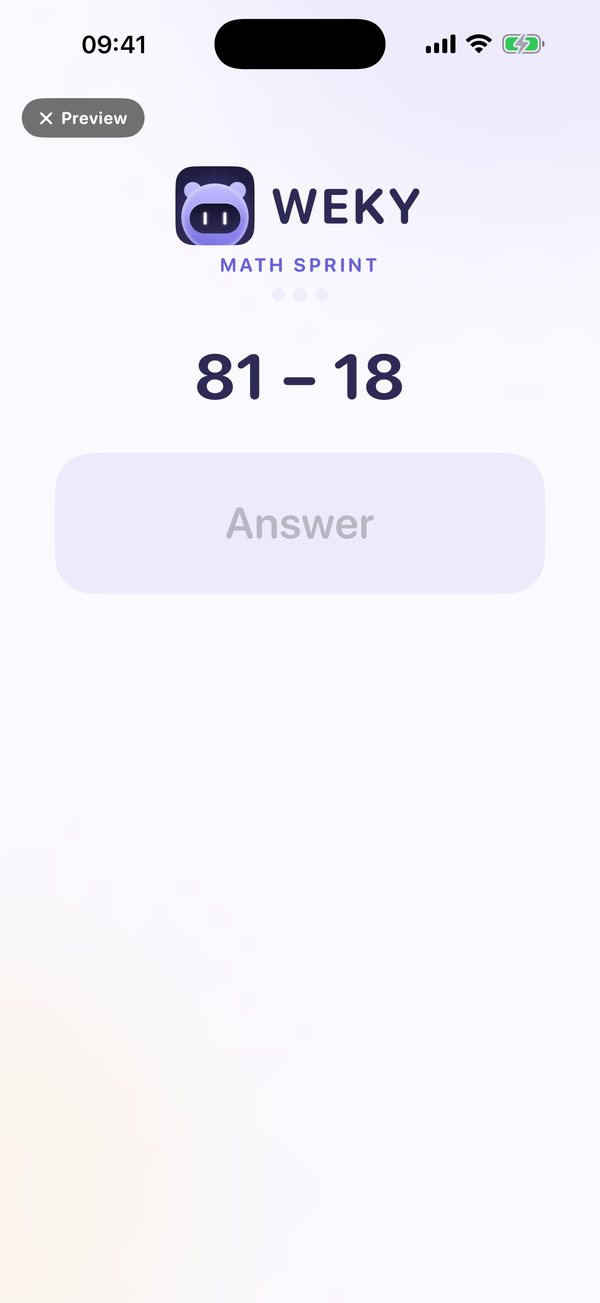
Choose what you'll prove before the alarm stops: sums, typing, push-ups, a photo hunt, making your bed.
Weky is an alarm that doesn't stop until you're truly awake. Complete a mission, keep your streak, and turn the first minute of your day into the habit that moves every other goal forward.
The first decision of the day
Every goal you have, whether training, studying or building something, starts with a morning you show up for. Snooze teaches your brain that promises to yourself are negotiable. Weky teaches the opposite.
How it works
Choose what you'll prove before the alarm stops: sums, typing, push-ups, a photo hunt, making your bed.
Weky rings on your lock screen and keeps going until you finish. Then it checks, later, that you stayed up.
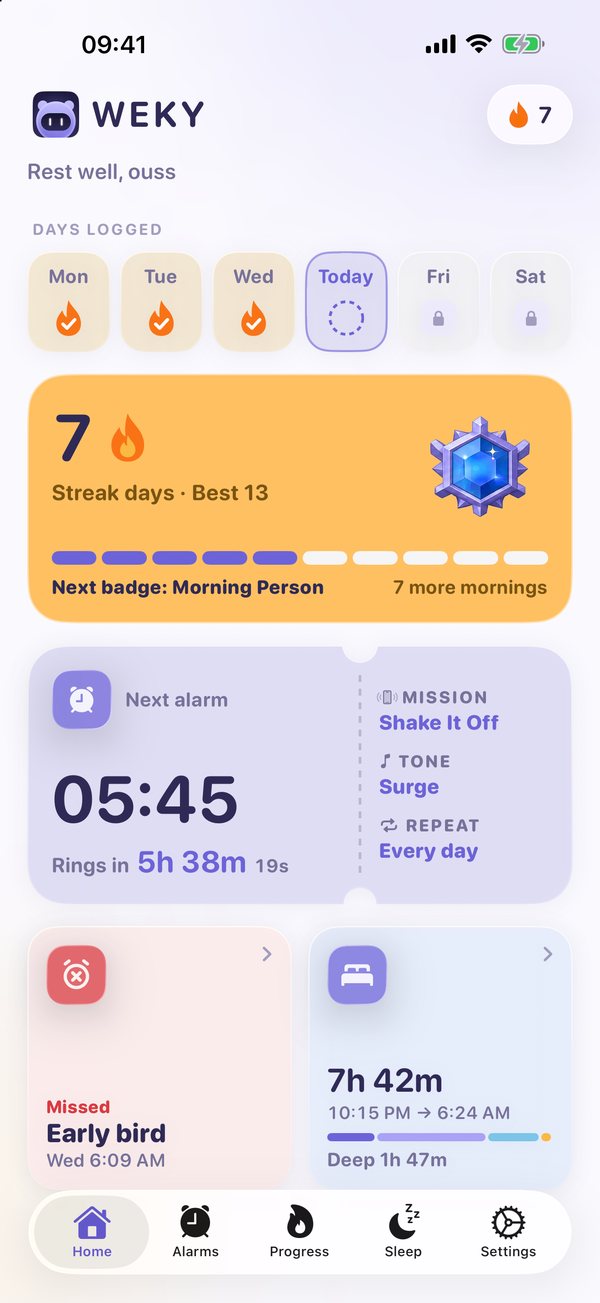
Your streak, sleep, habits and every morning's history build up, so proof of follow-through compounds.
Everything in Weky
Not a longer feature list, a shorter path from “I should” to “I did.” Each card shows what the feature does and the value it adds to your life.
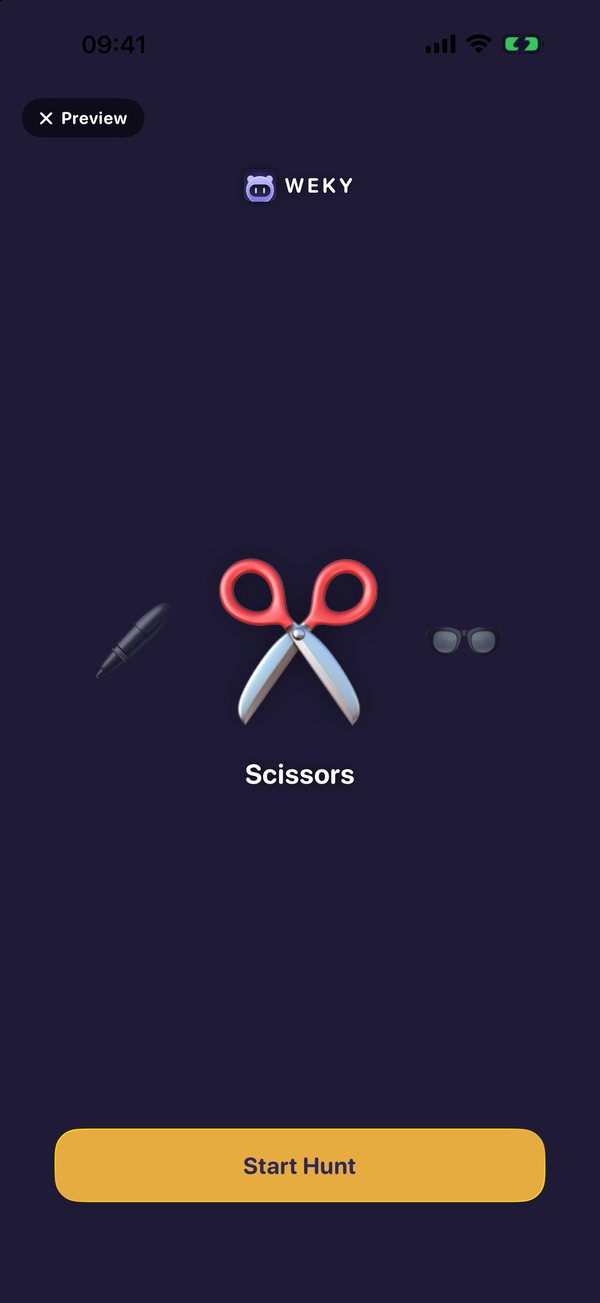
Math sprint, typing, push-ups, squats, object hunt, sky photo, make your bed, shake, affirmation and barcode scan.
Chain several missions behind a single alarm, each different, each finished before it lets go.
Finishing the mission isn’t the end. Weky checks in again a little later to make sure you stayed up.
Push-ups and squats are counted by your camera. Finish the set and the alarm is done.
Choose the apps that pull you in. Weky keeps them out of reach until your morning mission is done.
A safeguard for your sleepiest moment, so the alarm you set last night can’t be undone by you at 6 a.m.
Connect Apple Health and see every night stage by stage, with your bedtime set. Your sleep data stays on your phone.
Track reading, the gym, meditation, anything with its own alarm. A day turns done only when its mission was completed.
A full wake-up record with how many you won and how long each took, broken down by day, time, mission and tone.
Skip a day and your streak resets to zero. Every milestone earns a badge, with a progress bar to the next.
From soft, rising tones to bold signals, each balanced to be clearly audible, with haptic pulses as you work through the mission.
Every screen, mission and message is translated, including right-to-left languages. Switch inside the app, in light or dark.
Built around your goal
You set 6:00, snooze until 6:45, and start the day already behind.
Stack a math sprint and a typing challenge so your brain is on before the alarm lets go. Weky checks in again later, so going back to bed stops working.
How a habit forms
Weky is designed to make itself unnecessary. The mission starts as a wall you climb, then becomes a ritual, and finally the person you are.
The mission feels like an obstacle. That's the point: it breaks the autopilot between your hand and the snooze button.
Your streak becomes something you don't want to break. Skip a day and it resets to zero: honest, strict, motivating.
Waking, moving and starting your day in order feels natural. Sleep data and history show what makes mornings easier.
You're no longer trying to be a morning person. You're someone who keeps promises to themselves, and it shows everywhere else.
The time snooze quietly takes, now spent on the workout, the study block or the project you keep postponing.
Sleep, wake-ups and habits in one record, so what's working stops being a feeling.
A streak you earned and a history you can point to, plus the quiet confidence that follows.
The blog
Sleep, mornings and habits, written from the evidence, not the hype.
What actually improves sleep quality, how many hours are enough, and when trouble sleeping needs a doctor.
Set one alarm tonight. Pick one mission. Wake up tomorrow and keep the first promise. The rest follow.
Download Weky